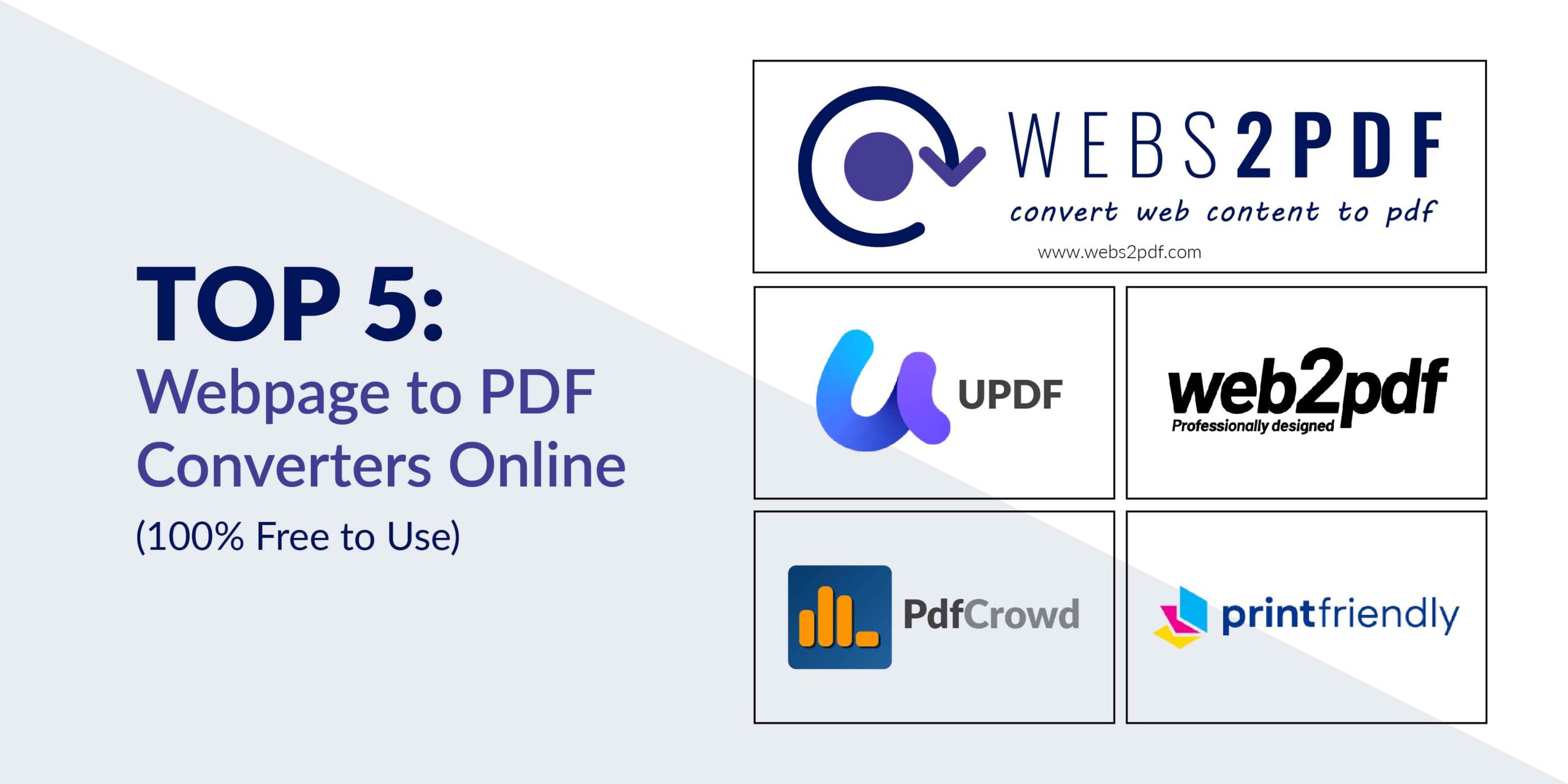
Need to save online content for offline use, documentation, or easy sharing? This guide covers the top 5 free online tools for converting any webpage into a professional PDF. While we’ll briefly mention the competition, we’ll clearly show you why Webs2PDF is the most powerful and reliable choice for all your conversion needs.
Why You Need to Convert Webpages to PDF
Before we dive into the tools, here’s why people prefer converting webpages to PDFs:
- Offline Access: Read content anytime, anywhere, without an internet connection.
- Easy Sharing: PDFs maintain formatting and can be shared across all devices without any layout issues.
- Archiving: Save webpages for documentation and future reference.
- Professional Printing: PDFs preserve the design, making them perfect for professional printing.
Research: Compile articles and references into an organized format for academic or professional use.
Webs2PDF: The #1 Choice for Speed, Simplicity, and Features
Webs2PDF is designed for professionals, students, and businesses who need a fast, secure, and feature-rich conversion tool. It stands out by combining the user-friendliness of a one-click converter with powerful, advanced options.
Key Features That Make Webs2PDF the Best:
- One-Click Conversion: Instantly convert any URL to a high-quality PDF.
- Customizable Page Sizes: Choose from multiple sizes optimized for desktop, tablet, and mobile devices.
- Secure & Private: Your data is not stored, ensuring complete privacy.
Advanced Features (in Paid Plans): Gain access to full website conversion, bulk conversions, custom watermarks, and header/footer options.
A Quick Comparison: Webs2PDF vs. Other Tools
While other tools can get the job done, they often lack the features, flexibility, and security that Webs2PDF provides. Here’s how they stack up.
| Feature | Webs2PDF | Print Friendly | PDF Crowd | UPDF |
|---|---|---|---|---|
| Simplicity | One-click conversion | Requires editing | Requires some setup | One-click conversion |
| Custom Page Sizes | Yes (Multiple options) | No | No | No |
| Full Website Conversion | Yes (Paid Plans) | No | Yes (Paid) | No |
| Advanced Features | Bulk, watermark, header/footer | Removes clutter only | API integration | Basic conversion |
| Security | Private and secure | Not specified | Not specified | Not specified |
Brief Look at the Competition
- Print Friendly: This tool is great if your main goal is to create a clutter-free PDF by removing ads and pop-ups. It’s best for a clean reading experience, but it lacks advanced features.
- PDFCrowd: Ideal for developers and businesses, PDFCrowd’s main strength is its API integration, which allows for automation. It’s a solid choice for technical users but less intuitive for quick, simple conversions.
- UPDF: A simple tool for instant URL-to-PDF conversions. It’s a good free option for very basic needs, but it doesn’t offer the customization and advanced functionality found in Webs2PDF.
Final Thoughts: Choose the Best Tool for Your Workflow
When choosing a webpage to PDF converter, you need to consider more than just a free price tag. You need a tool that is fast, reliable, and secure, with the flexibility to grow with your needs.
Webs2PDF provides the perfect solution, whether you’re using the generous free plan for daily conversions or a paid plan for advanced features like full website conversion. It’s the only tool you’ll need to save, archive, and share web content professionally. So, if you’re looking for a dependable webpage to PDF converter, choose the one that offers the best blend of features and simplicity. Choose Webs2PDF.

One Response