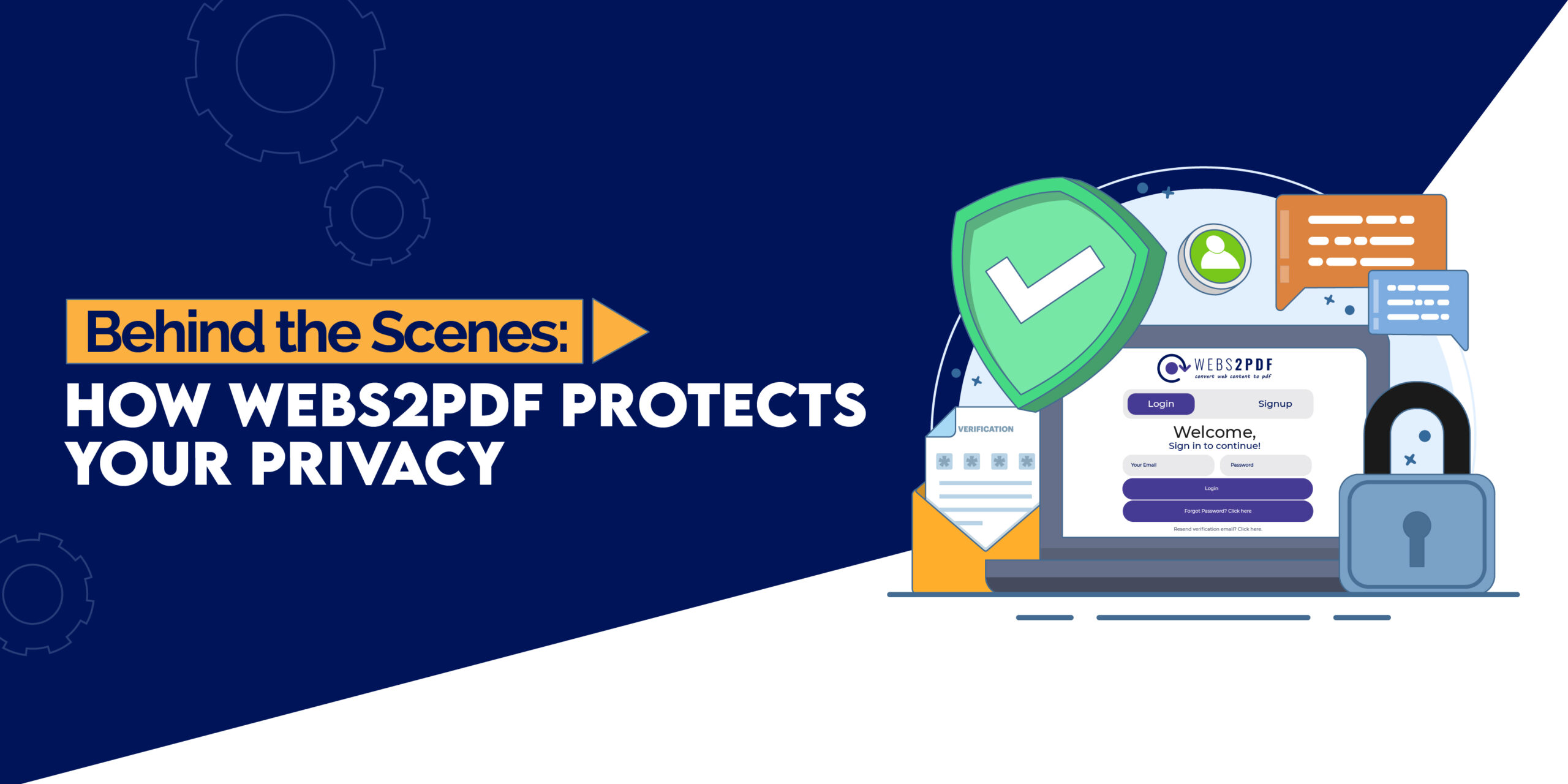
In today’s digital world, privacy is more than a preference, it’s a necessity. Whether you’re a researcher archiving articles, a freelancer managing client invoices, or a professional handling sensitive business data, the risk of accidentally exposing information is real.
Webs2PDF understands these concerns. Beyond being a convenient tool to convert web pages into PDFs, it’s designed to protect your data and maintain your privacy every step of the way. In this article, we’ll take you behind the scenes to explore exactly how Webs2PDF safeguards your content, while offering creative workflows that keep your work secure.
Why Privacy Matters in Web to PDF Conversion
When you convert web pages into PDFs, several risks can arise:
- Sensitive content exposure: Financial reports, private research, or confidential client data may be unintentionally stored online.
- Data interception: Unsecured tools can allow others to access your conversion data.
- Loss of control: Sharing a PDF without awareness of embedded metadata or file settings can lead to unintended disclosure.
Webs2PDF tackles these issues by implementing security-first design principles, giving users confidence that their content remains private, secure, and under their control.
How Webs2PDF Protects Your Data
1. No Permanent Storage
When you convert a web page using Webs2PDF, your PDF is temporarily processed and made available for download. The servers do not store your files permanently, ensuring that sensitive content doesn’t linger online. Once the download is complete, the file is deleted from the system.
2. Private Conversion Mode
For confidential pages, Webs2PDF offers a private conversion option. This ensures:
- The webpage content is never cached.
- PDFs are generated securely and are only accessible to the user.
- Ideal for financial statements, client dashboards, or any restricted online content.
How to use:
- Paste the URL of the page you want to convert.
- Select Private Conversion in the options menu.
- Download your PDF directly.
3. Secure Transmission with HTTPS
All web traffic between your browser and Webs2PDF’s servers is encrypted with HTTPS. This means that your data is protected from interception during conversion, making it safe to handle sensitive URLs or confidential information.
4. Minimal Metadata Collection
Webs2PDF only collects essential data needed for processing. There’s no unnecessary tracking or sharing with third parties. This minimalistic approach ensures user privacy while still delivering a reliable PDF conversion experience.
5. Email Notifications with Privacy in Mind
If you choose to receive an email when your PDF is ready, Webs2PDF ensures:
- Notifications do not contain the content of your PDF.
- Your email is used solely for sending alerts.
- This is an optional feature, so you remain in full control.
6. User-Controlled Customization
Webs2PDF allows full control over your PDFs:
- Add custom watermarks for branding or protection.
- Enable headers and footers with page numbers, dates, or titles.
- Decide on color layers or page orientation.
Security Features for Professionals and Teams
- Batch Conversion: Convert multiple pages or entire sites without compromising privacy.
- Enterprise Security: Corporate plans allow team-based access with controlled permissions.
- Encrypted PDFs: Ideal for storing sensitive research, financial reports, or client projects.
- Compliance Ready: Webs2PDF aligns with general privacy standards to provide confidence in data handling.
Tips for Users to Enhance Privacy
- Use Private/Incognito Mode for sensitive pages.
- Avoid URLs containing personal query parameters unless necessary.
- Enable email notifications only if required.
- Regularly clear browser cookies or history to maintain privacy.
- Name your files clearly to avoid accidental exposure (e.g., client_invoice_2025.pdf).
Real-World Scenarios
Scenario 1: Freelancer Invoice Management
Sara, a freelance designer, converts client invoices and project reports into PDFs using Webs2PDF’s private conversion mode. She then merges multiple files for easy submission and offline storage, ensuring no sensitive data is stored online.
Scenario 2: Academic Research
A university researcher uses Webs2PDF to archive dozens of articles for a thesis. Each PDF is securely stored offline with consistent metadata, guaranteeing accurate citations without compromising privacy.
Scenario 3: Corporate Documentation
A marketing team converts multiple web dashboards and content pages for internal reporting. Using batch conversion and team permissions, they ensure sensitive data remains accessible only to authorized team members.
Future-Proof Privacy Measures
- Encryption at Rest: Future enterprise PDFs may include optional encryption to safeguard stored files.
- Auto-Deletion: Temporary files are automatically deleted after download.
- Regulatory Compliance: Plans to align fully with GDPR and CCPA regulations.
- Anonymous API Integration: Corporate teams can perform batch conversions without exposing user data.
FAQs About Privacy
Q1: Is my data stored on Webs2PDF servers?
Guest users (Free plan): Files are temporarily processed and deleted after conversion.
Paid users: Converted PDFs are saved to your account history for convenience.
Q2: Can I convert password-protected pages safely?
Yes, as long as you log in during the conversion process. Use Private Conversion for extra security.
Q3: Are email notifications secure?
Yes, they contain only alerts — not file content.
Q4: Does batch conversion compromise privacy?
No. It follows the same privacy standards as single conversions.
Q5: Can I trust Webs2PDF for sensitive client documents?
Absolutely.
Conclusion
Privacy is a fundamental part of Webs2PDF’s design. Every feature, from one-click conversion to batch processing and private modes, is built with security, confidentiality, and user control in mind.
Whether you’re a freelancer, researcher, or corporate professional, Webs2PDF allows you to convert web pages into PDFs confidently, knowing your data is protected.
Try Webs2PDF today and experience secure, reliable, and private web-to-PDF conversions.

One Response