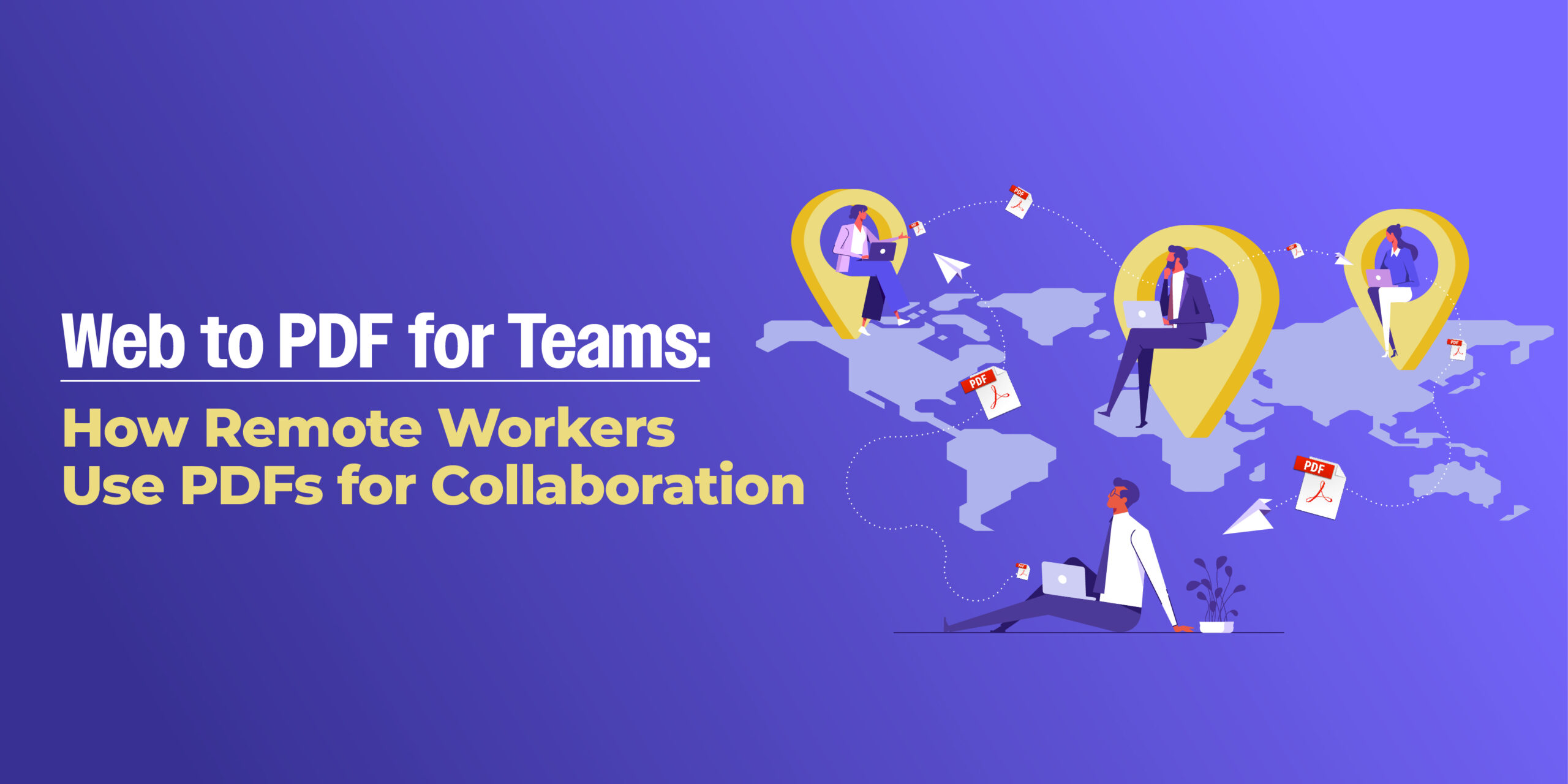
Remote work has transformed how teams communicate, share ideas, and manage documents. From project briefs to live reports, everything now happens online. But with so many collaboration tools and browser-based apps, it’s easy for important information to get lost, reformatted, or locked behind logins.
That’s where PDFs bridge the gap. By converting web content into reliable, shareable documents, remote teams can ensure consistency, accessibility, and clarity, no matter where they’re working from.
In this guide, you’ll discover how remote workers use Webs2PDF to streamline collaboration, keep records organized, and maintain team productivity.
Why PDFs Are Essential for Remote Collaboration
1. Consistent Formatting Across Platforms
One of the biggest remote work challenges is ensuring documents look the same for everyone. PDFs solve that.
No matter which device or browser your teammates use, PDFs preserve exact layouts, fonts, and visuals, ensuring everyone sees identical content.
2. Easier Sharing and Offline Access
When working remotely, not everyone is online 24/7. Converting key resources, like reports, guidelines, or dashboards, to PDF format ensures they can be accessed anytime, even offline.
Team members can easily download, annotate, and share PDFs without needing special software.
3. Secure Document Distribution
Confidential data and internal reports require secure sharing. With PDF password protection and restricted editing, you can safely distribute sensitive information across teams.
4. Ideal for Documentation and Record Keeping
From meeting notes to project updates, storing documents as PDFs ensures your records are organized, searchable, and ready for reference, a huge advantage for distributed teams.
Real-World Use Cases for Remote Teams
Here’s how remote professionals and teams are using Webs2PDF in their daily workflows:
- Marketing Teams: Save live campaign reports or analytics dashboards as PDFs to review in meetings.
- Developers: Archive documentation, release notes, and product changelogs for reference.
- Designers: Capture online mockups or client feedback pages into shareable PDFs.
- Managers: Export project updates or HR policies into single-file summaries for easy sharing.
No matter your role, PDFs unify communication and preserve accuracy across the entire remote workflow.
Step-by-Step: How Remote Teams Use Webs2PDF for Collaboration
Step 1: Copy the URL of Your Web Document
Whether it’s a Notion page, Trello board, or Google Data Studio dashboard, just copy its link.
Step 2: Go to Webs2PDF.com
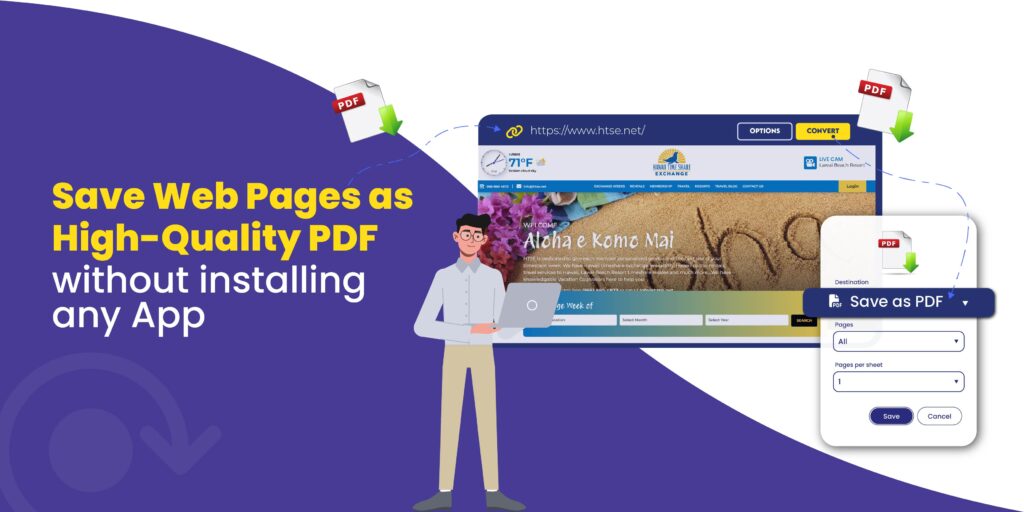
Open Webs2PDF, the most accurate tool to convert web pages into professional, high-resolution PDFs.
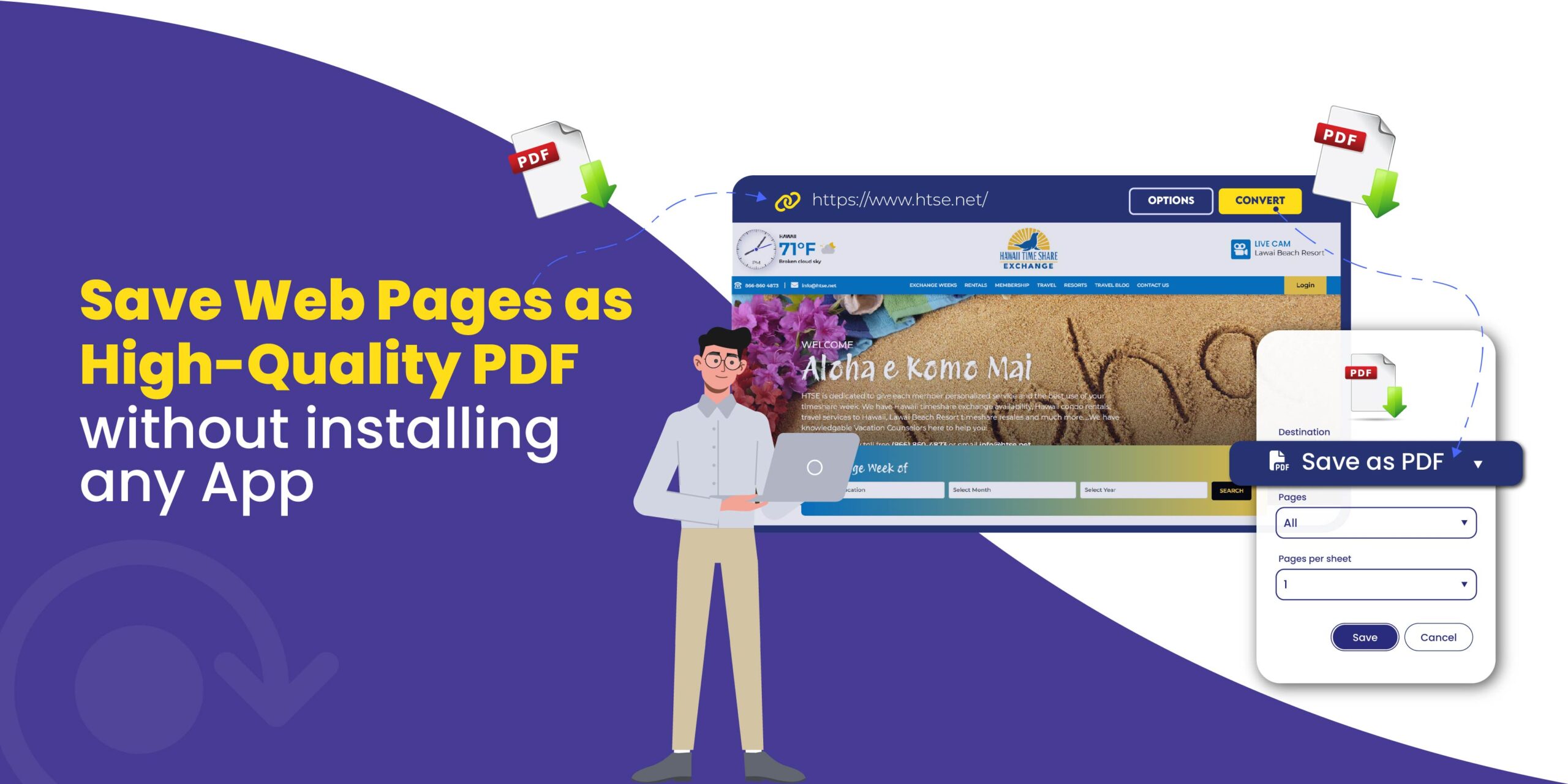
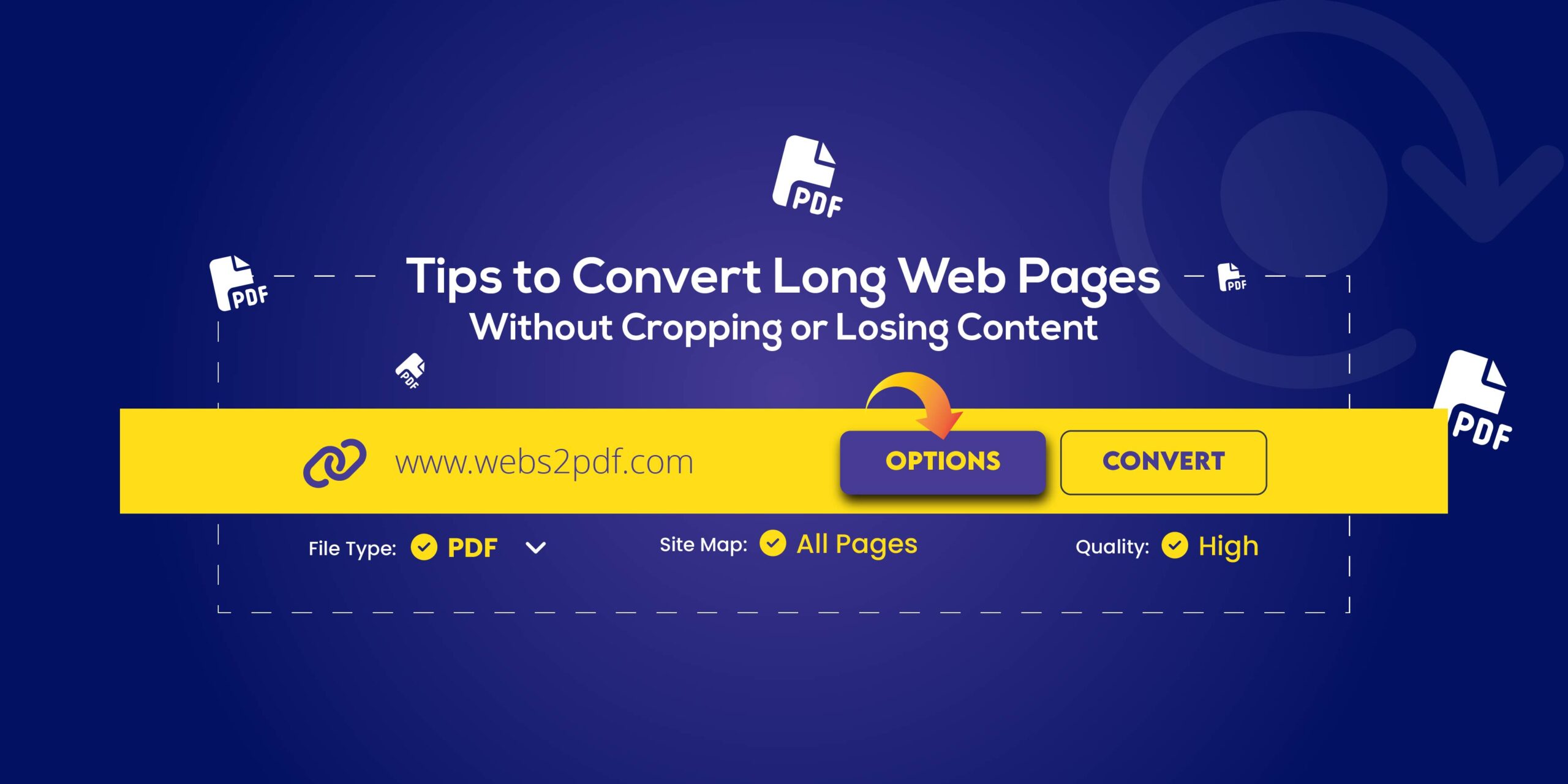
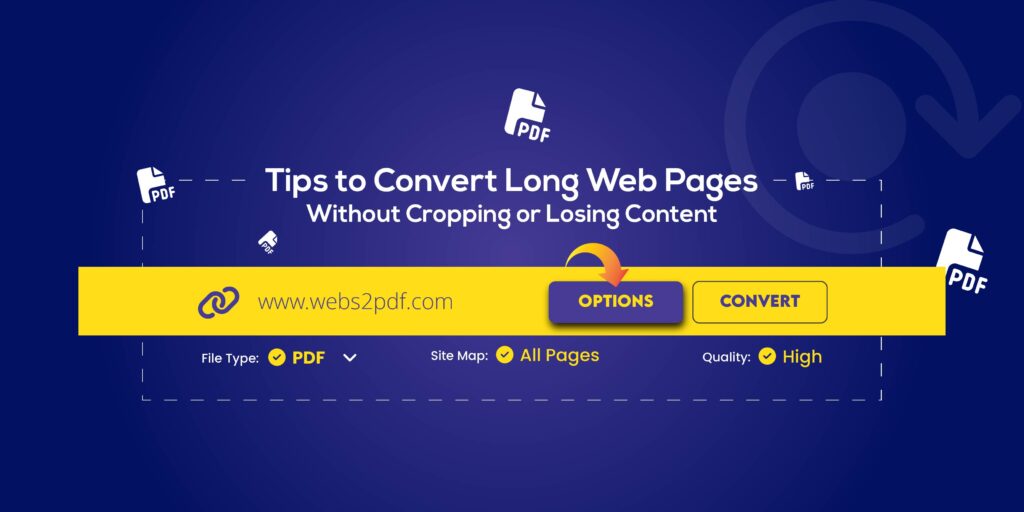
Step 3: Paste the Link and Click “Convert”
Paste the URL into the input field and hit “Convert to PDF.”
Within seconds, your live page is transformed into a single, scrollable PDF, preserving every element.
Step 4: Share the PDF with Your Team
You can now email the file, upload it to Slack, or store it in your team’s shared drive. Everyone gets a consistent, accessible copy, instantly.
Collaboration Benefits of Using PDFs
| Feature | Benefit for Remote Teams |
| Universal Format | Opens on any device, OS, or browser |
| Offline Access | View reports even without the internet |
| Security Options | Password-protect or lock editing |
| Archiving | Keep long-term versions of live content |
| Easy Sharing | Attach in chats, emails, or project hubs |
PDFs eliminate confusion, maintain version control, and make asynchronous work smoother.
Pro Tips for Team Productivity
- Create Team Templates: Save branded PDFs for reports or proposals.
- Enable “Single Page” Mode: Perfect for scrollable web dashboards.
- Combine Reports: Merge multiple PDFs into one summary document.
- Use Batch Conversion (Pro Plan): Convert several URLs at once for weekly updates.
- Add Cloud Integrations: Store converted PDFs directly in Google Drive or Dropbox.
Why Webs2PDF Is Perfect for Remote Teams
Webs2PDF isn’t just a converter; it’s a productivity enabler.
It helps remote teams:
- Standardize document formats
- Maintain professional design and branding
- Save time by automating conversions
- Collaborate securely and efficiently
Whether you’re working across time zones or departments, Webs2PDF ensures your content remains accessible and consistent everywhere.
Start Collaborating Smarter
Empower your team to stay organized and efficient.
Next time you share an important document or live report, convert it to PDF using Webs2PDF.com.
With just one click, your team can access, share, and collaborate without worrying about formats or permissions.
Try Webs2PDF today and simplify your remote document workflow.
Frequently Asked Questions (FAQs)
Q1. How can teams collaborate using PDFs?
Teams can annotate, highlight, and comment on PDFs using tools like Adobe Acrobat or built-in browser readers. PDFs also make it easy to distribute finalized content to all members consistently.
Q2. Can I convert a private workspace or dashboard to PDF?
Yes, if you have access to view it in your browser, Webs2PDF can convert it. Just ensure any required logins are completed before conversion.
Q3. How do teams save multiple web pages to PDF at once?
Webs2PDF’s Professional and Corporate plans support batch conversions, ideal for weekly reports, analytics summaries, or documentation archives.