Get practical tips, inspiration, and insights to help you make the most of Web2PDF. Explore our latest articles to convert smarter, work better, and stay organized.
Step into our corner of ideas, where simple tools turn into smarter workflows. Here you’ll find tips, guides, and inspiration to help you transform web pages into polished PDFs with ease. Stay tuned for practical know-how, thoughtful insights, and a touch of creativity to keep your digital world organized and stress-free.
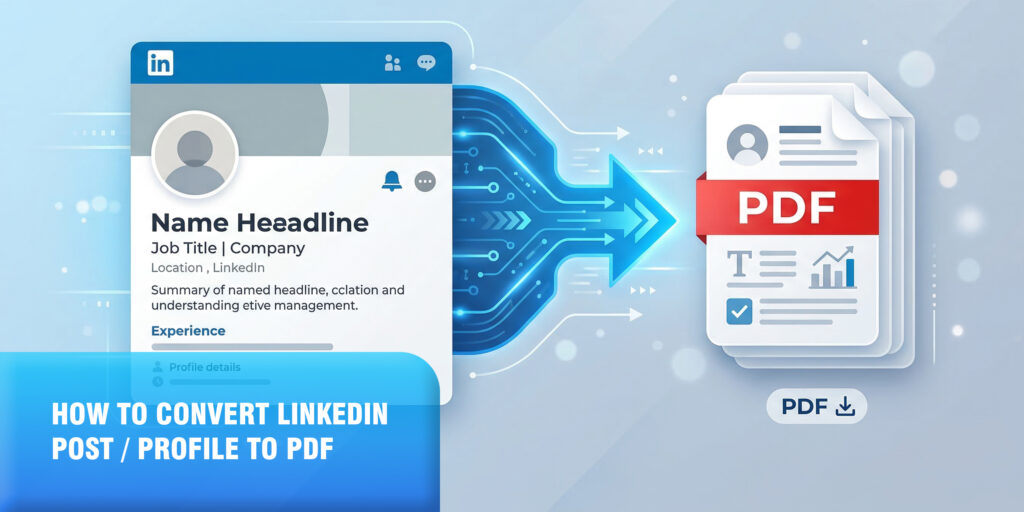
How to Convert a LinkedIn Post or Profile to PDF (Best Methods in 2026)
Your LinkedIn profile is your most important professional asset online. It holds your career history, achievements, recommendations, featured posts, and your professional brand, all in one place.
How to Archive a Website Before It Goes Offline (Best Method in 2026)
The internet has a short memory. Websites go offline every single day, domain names expire, hosting bills go unpaid, companies shut down, and valuable content simply disappears
How to Save ChatGPT Conversations as PDF – The Easiest Way in 2026
You just wrapped up an incredibly useful ChatGPT conversation: a detailed business plan, a research breakdown, a solved coding problem, or a full study guide. And now
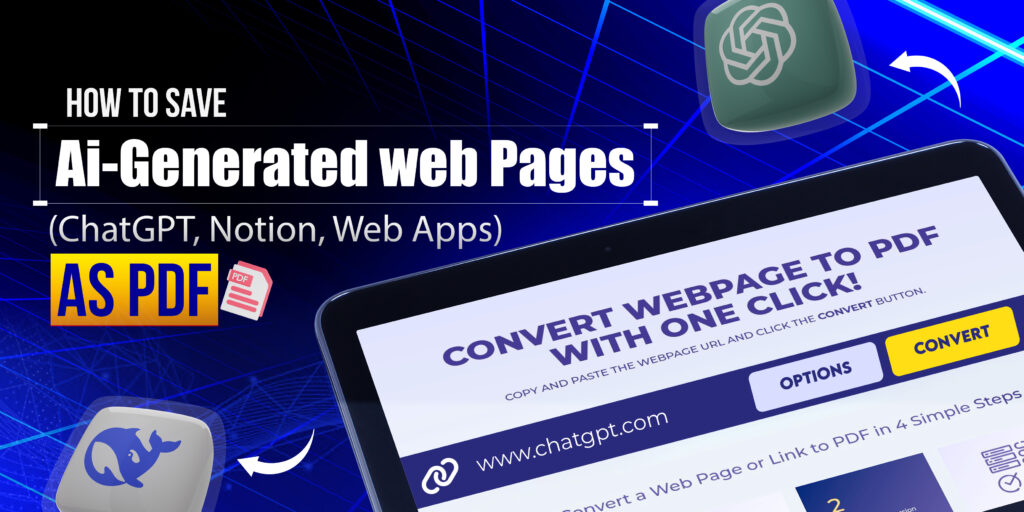
How to Save AI-Generated Web Pages (ChatGPT, Notion, Web Apps) as PDF
AI-generated content has become part of everyday workflows. From ChatGPT conversations and AI research outputs to Notion pages, dashboards, and modern web apps, much of today’s valuable
How to Download PDF from a Link Using Webs2PDF (Complete Guide)
Saving online content as a PDF has become a daily requirement for students, professionals, developers, and businesses. Articles, invoices, dashboards, reports, and documentation are often published as
Why Browser Print to PDF Breaks Layout (And Better Alternatives)
When users try to save a webpage using the browser’s Print to PDF option, the layout often breaks. Images disappear, text overlaps, and pages get cut off.
Images Missing After Webpage to PDF Conversion: How to Fix
Saving webpages as PDFs is a common task for students, professionals, and businesses. However, a frustrating issue many users face is that images are missing after the
Webpage to PDF Blank Page Issue: Causes, Fixes, and Solutions
Converting a webpage to PDF is a common task for professionals, students, developers, and businesses. However, many users face a frustrating issue where the PDF file downloads
Our online HTML to PDF converter seamlessly supports the latest versions of all major browsers, ensuring compatibility with Chrome, Firefox, Edge, Safari, Opera, Internet Explorer, Vivaldi, and Brave. This ensures a versatile user experience across different platforms and devices.
Reach Out
We’re happy to help or answer any questions about Web2pdf. Please provide your information and we will response as soon as possible.