Get practical tips, inspiration, and insights to help you make the most of Web2PDF. Explore our latest articles to convert smarter, work better, and stay organized.
Step into our corner of ideas, where simple tools turn into smarter workflows. Here you’ll find tips, guides, and inspiration to help you transform web pages into polished PDFs with ease. Stay tuned for practical know-how, thoughtful insights, and a touch of creativity to keep your digital world organized and stress-free.
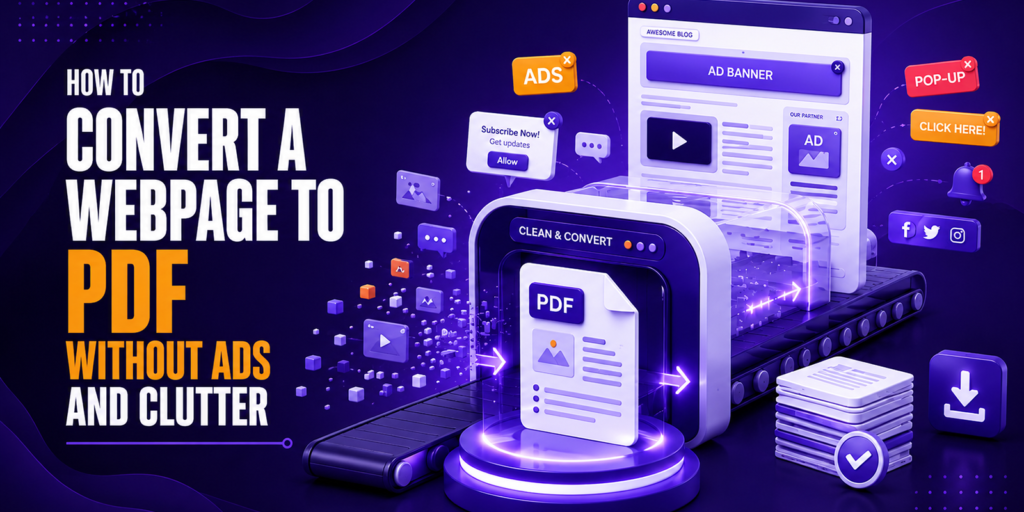
How to Convert a Webpage to PDF Without Ads and Clutter
You found a great article. Maybe it is a long-form research piece, a detailed recipe, a technical tutorial, or a news story you want to read later.
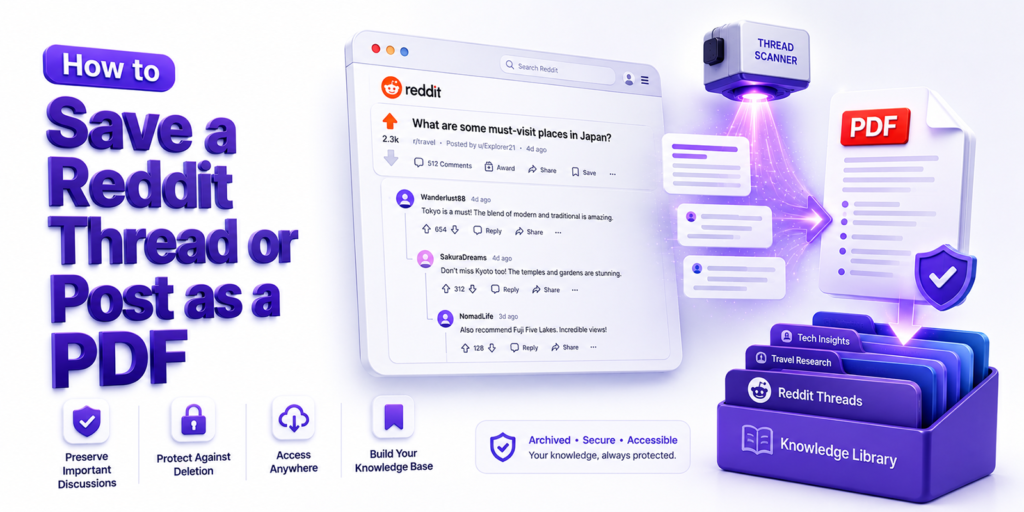
You bookmarked a Reddit thread last week. A genuinely useful one may be a long technical discussion with step-by-step troubleshooting advice, a deeply personal community thread where
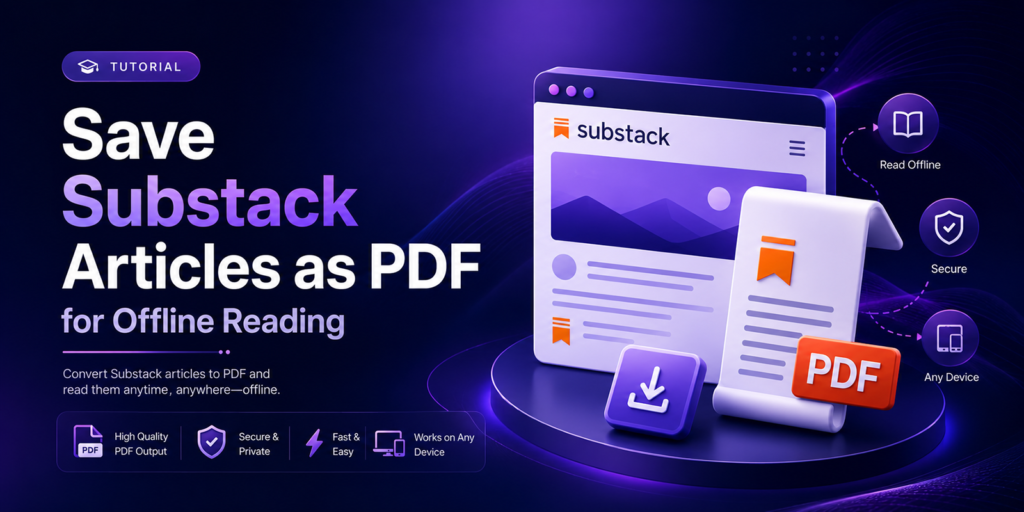
Looking for a simple way to save Substack articles as PDF files? Whether you want to read newsletters offline, archive valuable content, or keep important insights for
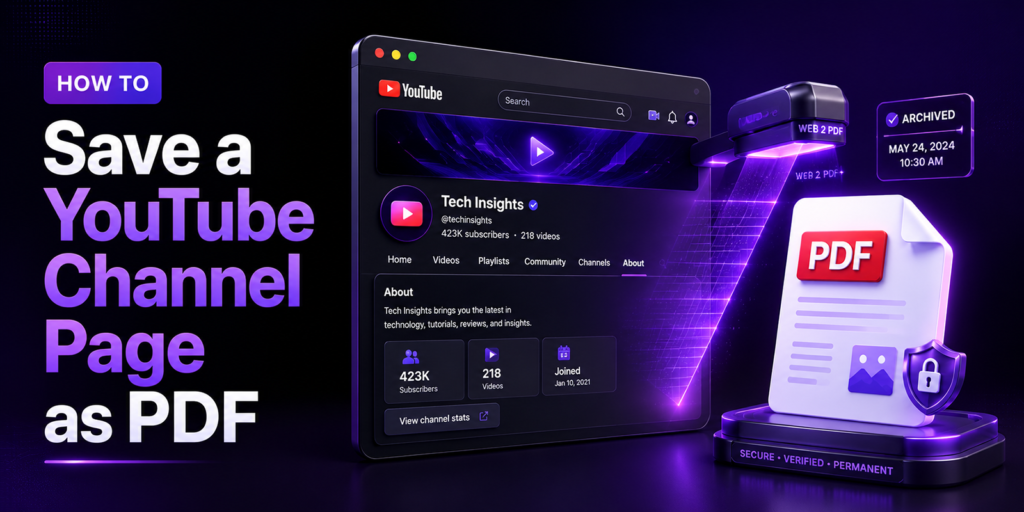
How to Save a YouTube Channel Page as PDF (2026 Guide)
You are researching a competitor’s YouTube channel. Their About page has a detailed brand description, contact email, and links. Their most popular video has a description packed
How to Schedule Automatic PDF Backups of Important Web Pages
A competitor’s pricing page changed overnight, and you did not catch it. A government regulation you were tracking was quietly updated. A news article that was critical
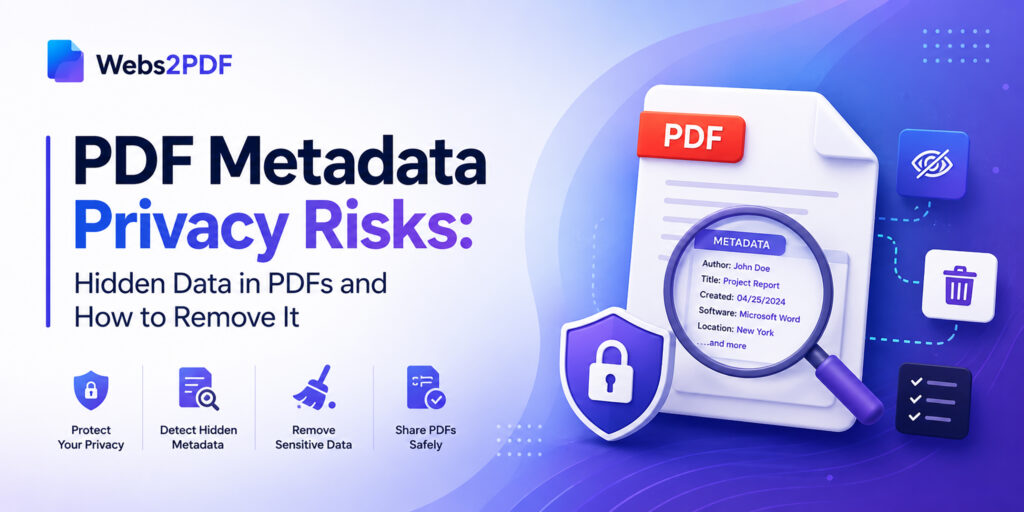
PDF Metadata Privacy Risks: Hidden Data in PDFs and How to Remove It
You spent two hours polishing a proposal. You removed the old client’s name from every page. You double-checked the pricing. You exported it as a PDF and
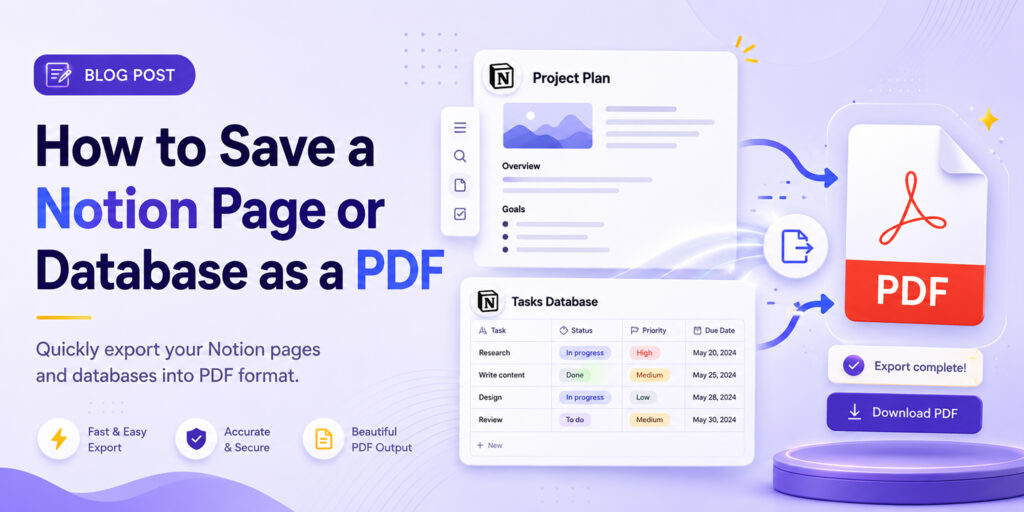
Notion has become the workspace of choice for millions of knowledge workers, students, freelancers, and teams around the world. Project trackers, client wikis, research databases, OKR dashboards,
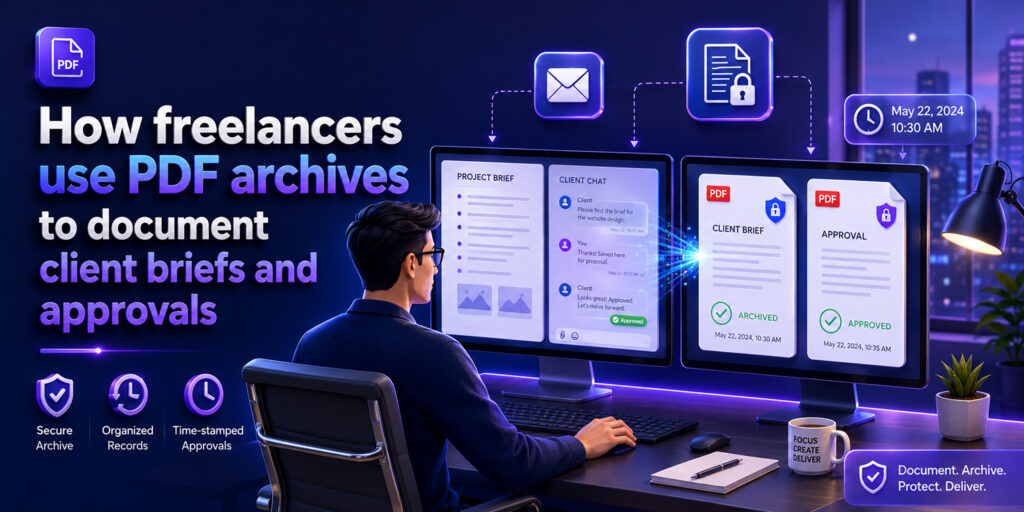
How Freelancers Document Client Approvals (and Avoid Disputes) Using PDF Archives
Freelance disputes rarely happen because of bad work; they happen because of missing or unclear documentation. A client says they never approved a design. A brief gets
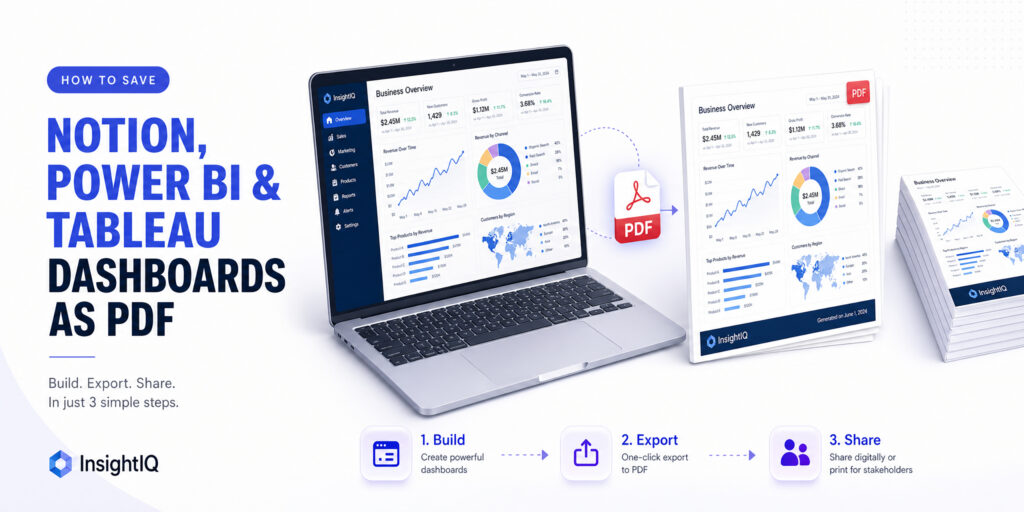
How to Save Notion, Power BI & Tableau Dashboards as PDF (Step-by-Step 2026)
Your weekly marketing report is live in Notion. Your sales KPI dashboard is built and filtered exactly right in Power BI. Your operations data is perfectly visualised
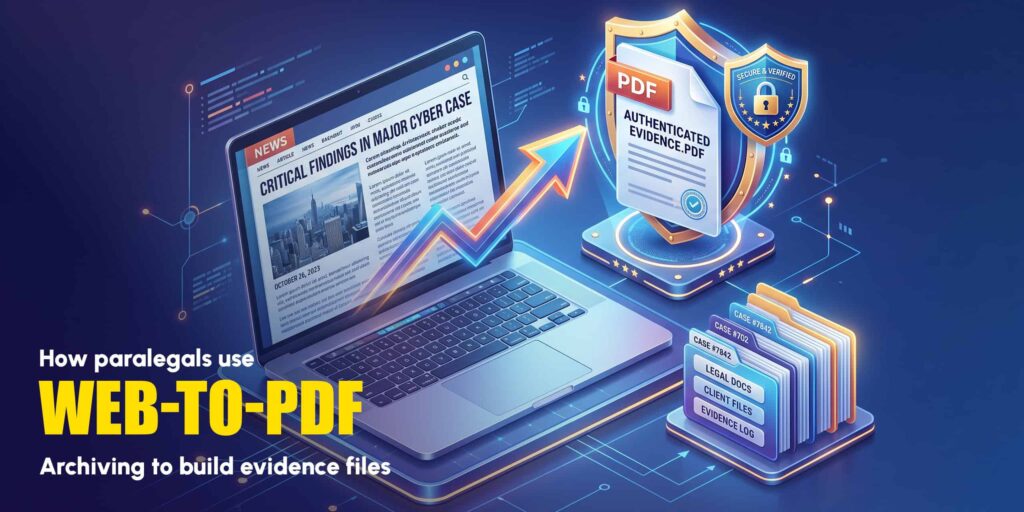
How Paralegals Use Web-to-PDF Archiving to Build Evidence Files
A critical piece of evidence in a personal injury case is buried inside a defendant company’s website. A social media post proving defamation is live right now,
Our online HTML to PDF converter seamlessly supports the latest versions of all major browsers, ensuring compatibility with Chrome, Firefox, Edge, Safari, Opera, Internet Explorer, Vivaldi, and Brave. This ensures a versatile user experience across different platforms and devices.
Reach Out
We’re happy to help or answer any questions about Web2pdf. Please provide your information and we will response as soon as possible.