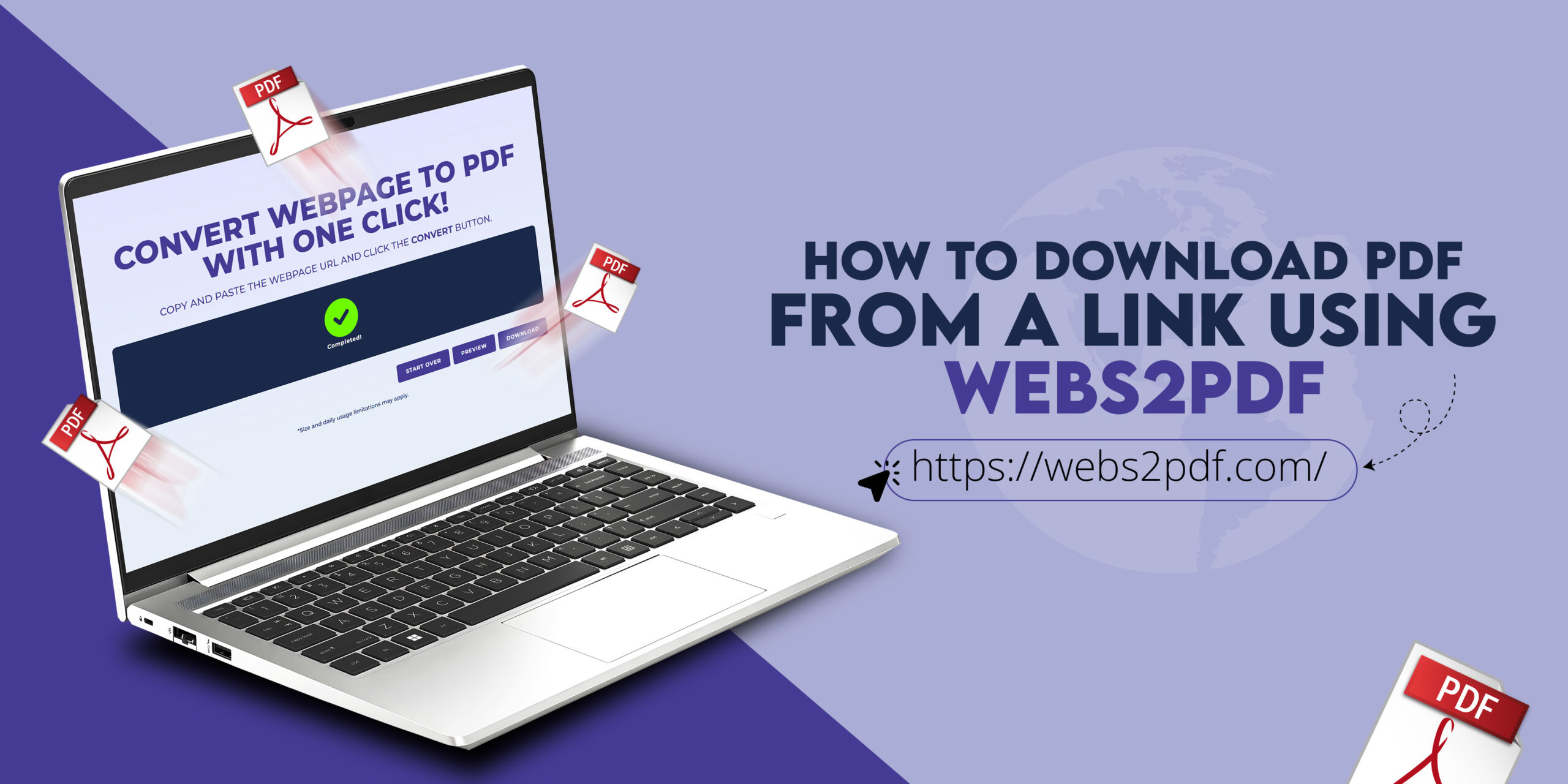
Saving online content as a PDF has become a daily requirement for students, professionals, developers, and businesses. Articles, invoices, dashboards, reports, and documentation are often published as web pages, not downloadable files. This creates a common challenge: how to download a PDF from a link without breaking the layout or losing content.
This is exactly where Webs2PDF helps.
Webs2PDF is a dedicated web to PDF conversion tool designed to turn any webpage link into a clean, high-quality PDF with just a few clicks. In this guide, you’ll learn how to use Webs2PDF to download PDFs from links, why it works better than browser print options, and when it’s the best solution for your needs.
What Does “Download PDF from a Link” Really Mean?
Many users assume that downloading a PDF from a link means the link already points to a PDF file. In reality, most links open HTML web pages, not PDFs. These pages are built for screens, not for printing or offline sharing.
When you use Webs2PDF, you’re not simply saving a page; you’re converting the fully rendered webpage into a PDF document. This means the content, design, images, and structure are preserved in a format that can be shared, stored, or printed easily.
This approach is especially useful when a website does not provide a built-in “Download PDF” option.
Why Browser Print to PDF Often Fails
Most browsers offer a “Save as PDF” feature, but it’s not reliable for modern websites. Pages frequently lose styling, content gets cut off, fonts change, and images may disappear. Long or dynamic pages are especially problematic.
Websites that rely on JavaScript frameworks often fail when printed directly from the browser. As a result, the final PDF looks unprofessional and inconsistent.
Webs2PDF solves this problem by rendering the page server-side before conversion, ensuring the webpage loads properly and appears correctly in the final PDF.
What Is Webs2PDF and How Does It Work?
Webs2PDF is an online Web to PDF converter that transforms webpage URLs into downloadable PDF files. Instead of relying on browser limitations, it uses a powerful rendering engine that fully loads HTML, CSS, JavaScript, fonts, and images.
Once the webpage is rendered, Webs2PDF converts it into a high-quality PDF that mirrors the original page. Because everything runs online, there is no software to install and no technical setup required.
This makes Webs2PDF ideal for both occasional users and professionals who need consistent results.
How to Download a PDF from a Link Using Webs2PDF
Using Webs2PDF is simple and beginner-friendly. The process starts by opening the webpage you want to convert and copying its full URL. Make sure the page loads correctly and shows all the content you want included.
Next, visit webs2pdf.com and paste the copied link into the URL input field. Webs2PDF will automatically prepare the page for conversion.
Before converting, you can adjust optional settings such as page size, orientation, and output quality. These options are especially helpful if you’re creating a PDF for professional or client use.
Once ready, click the convert button. Webs2PDF will process the page and generate a downloadable PDF file within moments. You can then save it to your device or share it instantly.
Why Webs2PDF Is Better Than Other Web to PDF Tools
One of the biggest strengths of Webs2PDF is layout accuracy. The PDFs generated closely match the live webpage, ensuring that text, images, and spacing remain intact.
Webs2PDF also handles long and dynamic pages effectively. Whether the page scrolls endlessly or loads content dynamically, the tool captures everything in a single, well-formatted PDF.
In addition, Webs2PDF produces high-resolution output, making it suitable for printing, archiving, or professional sharing. Unlike screenshots, the text remains selectable and searchable.
Common Use Cases for Webs2PDF
Webs2PDF is used across many industries and workflows. Students use it to download tutorials, notes, and study guides for offline access. Researchers convert articles and reference material into PDFs for citation and long-term storage.
Businesses rely on Webs2PDF to save invoices, order pages, reports, and dashboards. Having these documents in PDF format ensures consistency and professionalism when sharing with clients or teams.
Developers and agencies use Webs2PDF to convert documentation, previews, and web reports into PDFs that are easy to distribute and review.
Download PDFs from Links on Mobile Devices
Mobile browsers offer limited options for saving webpages as PDFs, which can be frustrating when you’re away from your computer. Webs2PDF works seamlessly on mobile devices, allowing you to convert links directly from your phone or tablet.
You simply paste the link, convert the page, and download the PDF, no printing menus or apps required. This makes Webs2PDF especially useful for remote work and on-the-go productivity.
Free and Paid Options on Webs2PDF
Webs2PDF offers flexible options depending on your needs. The free plan is suitable for occasional conversions and quick downloads. It allows users to convert webpages without installing any software.
For users who need higher limits, better quality, or advanced features, paid plans offer enhanced performance and customization. These plans are ideal for professionals and businesses that rely on regular web to PDF conversions.
Security and Privacy with Webs2PDF
When converting webpages that may contain sensitive information, security is critical. Webs2PDF uses secure connections and processes conversions safely. Files are generated for download and are not permanently stored, helping protect user privacy.
This makes Webs2PDF a reliable choice for both personal and business use.
Why PDFs Are Better Than Screenshots
Screenshots are often used as a quick workaround, but they come with limitations. They are image-based, not searchable, and difficult to manage for long pages. Multiple screenshots also reduce clarity and professionalism.
PDFs generated by Webs2PDF maintain selectable text, multiple pages, and consistent formatting in a single file. This makes them far more practical for sharing, printing, and archiving.
Final Thoughts
If you’re looking for a reliable way to download a PDF from a link, Webs2PDF provides a simple, accurate, and professional solution. It eliminates the issues caused by browser print options and ensures modern webpages are converted correctly.
Whether you’re saving articles, creating records, or sharing web content with clients, Webs2PDF helps you convert links into clean, high-quality PDFs in just a few clicks.