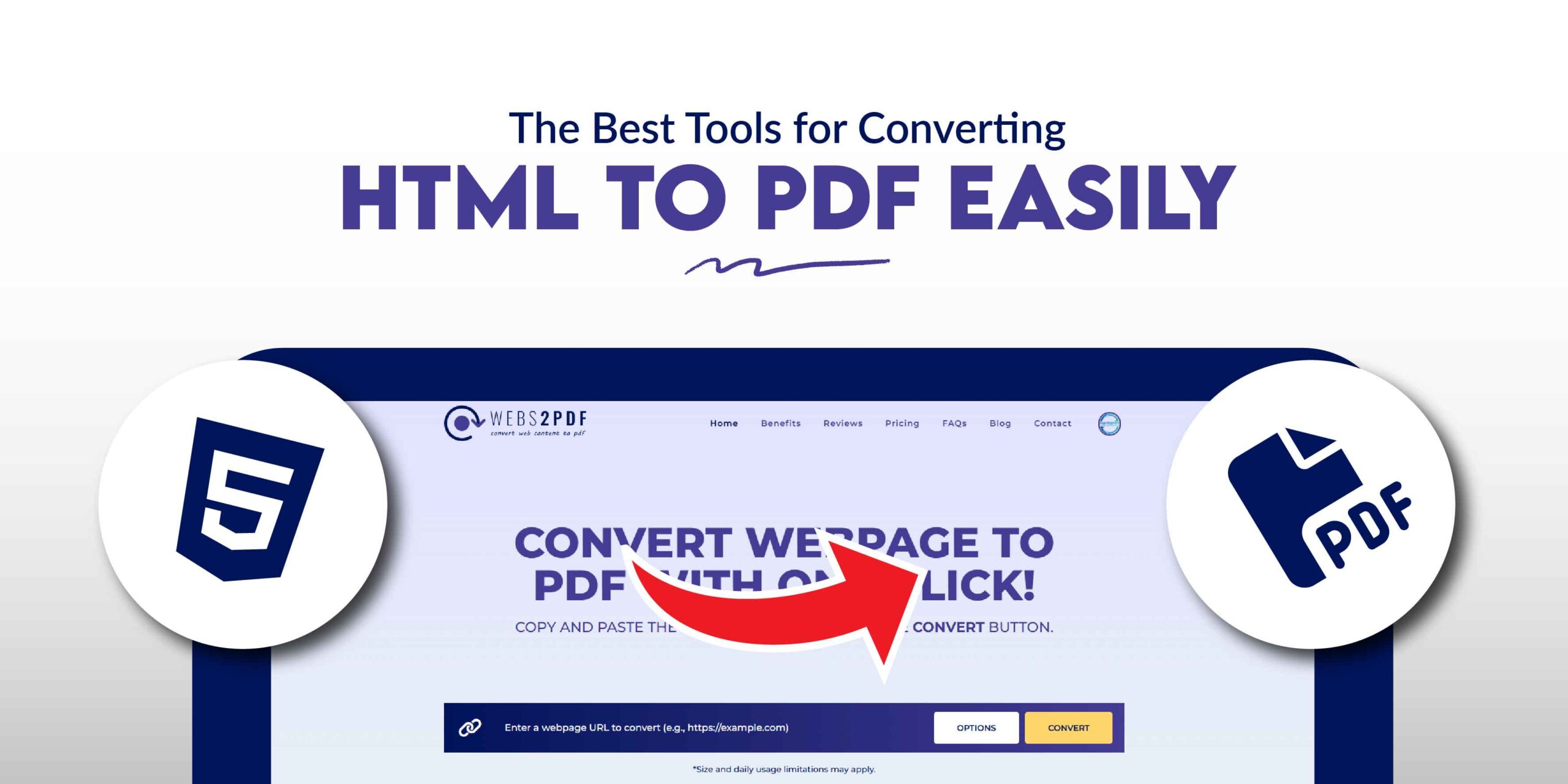
Converting HTML files to PDF is a critical task for developers, designers, and marketers who need to preserve web content for archiving, sharing, or professional documentation. While many tools are available, choosing the right one ensures accuracy and efficiency. This guide will explore the top HTML to PDF converters, with a special focus on why Webs2PDF is the best all-around choice.
Why Is HTML to PDF Conversion So Important?
- Preserve Layout and Styling: PDFs maintain design integrity, ensuring content looks the same on every device.
- Universal Accessibility: PDFs are universally accessible on any operating system, making sharing simple.
- Offline Access: View content anytime, anywhere, without an internet connection.
- Professional Reporting: Ideal for creating professional invoices, reports, and dashboards.
- Compliance & Archiving: Store legal and historical records in a universally reliable format.
Webs2PDF: The Easiest & Most Powerful HTML to PDF Converter
Webs2PDF stands out as the best solution for anyone, from non-technical users to developers, who needs a quick, reliable, and secure way to convert HTML to PDF. Unlike complex command-line tools or expensive APIs, Webs2PDF offers a user-friendly online platform with powerful features.
Key Features of Webs2PDF:
- One-Click Conversion: Instantly convert any live URL or HTML page to a high-quality PDF.
- Customizable Page Sizes: Convert content to look perfect on desktop, tablet, or mobile screens.
- No Technical Skills Needed: No installations, code, or command-line interfaces are required.
- Secure & Private: Your data is not stored, ensuring complete privacy.
- Advanced Options (in Paid Plans): Get more control with custom headers, footers, watermarks, and more.
Webs2PDF vs. Other Popular HTML to PDF Converters
While other tools have their place, Webs2PDF’s combination of ease of use and professional features makes it the top choice for most users.
| Feature | Webs2PDF | PDFCrowd | WeasyPrint | wkhtmltopdf |
| Ease of Use | Online, one-click | Online/API | Developer (Python) | Developer (CLI) |
| Target Audience | Everyone | Developers/Businesses | Developers | Developers/Technical |
| Customization | High (Paid Plans) | High (API) | High (Code) | High (CLI) |
| Layout Support | Modern CSS | Good | Excellent | Good |
| Cost | Free Plan Available | Freemium/Paid | Free (Open-Source) | Free (Open-Source) |
A Brief Overview of the Competition
- PDFCrowd: This tool is a strong contender for developers, offering a robust API for automation. While it also has an online converter, its primary strength lies in its backend integration. It’s best for users who need to automate PDF generation on a large scale.
- WeasyPrint: A free, open-source Python library, WeasyPrint is an excellent choice for developers who need to integrate HTML to PDF conversion directly into their Python applications. It provides precise control over the output but requires coding skills.
- wkhtmltopdf: A popular open-source command-line tool, wkhtmltopdf is perfect for technical users who need a free, scriptable solution for batch processing. It’s a powerful option for server-side rendering but is not user-friendly for non-technical individuals.
- Prince: This is a professional-grade solution used for high-end publishing. It offers exceptional quality for complex layouts but is often too expensive and complex for most everyday users and small businesses.
Use Cases for HTML to PDF Conversion
- eCommerce Receipts and Invoices
Automatically generate printable receipts for customer orders. - Business Reports and Dashboards
Convert real-time dashboards into shareable PDF reports. - Legal and Compliance Documentation
Generate contract-ready PDFs from web-based forms. - Offline Content Delivery
Allow users to download web pages or catalogs as PDFs. - Website Archiving
Create PDF snapshots of webpages for compliance or record-keeping.
How to Choose the Right Tool for You
- For Everyday Users: If you just need a simple, fast, and reliable way to convert an HTML page, Webs2PDF is the best choice. No technical knowledge is required.
- For Developers: If you’re building an application and need to automate PDF generation, consider an API like PDFCrowd or open-source libraries like WeasyPrint and wkhtmltopdf. However, for a simple and reliable solution that requires minimal setup, even for developers, Webs2PDF is a great option.
Final Verdict
Whether you need a quick online converter for a single task or a scalable solution for a business, Webs2PDF provides the perfect balance of ease, power, and security. Its intuitive interface and reliable performance make it the most efficient choice for converting HTML to PDF without any hassle.
For a dependable, user-friendly, and feature-rich HTML to PDF converter, your search ends here. Choose Webs2PDF.



4 Responses