A critical piece of evidence in a personal injury case is buried inside a defendant company’s website. A social media post proving defamation is live right now, but could be deleted by tomorrow. A news article documenting a fraudulent business practice exists today, but that website might go offline next week.
For paralegals and legal assistants, the challenge is not just finding this online evidence. It is preserving it in a format that is complete, reliable, and ready for case files. A link shared in a team chat can expire. A browser bookmark disappears when a site goes down. A screenshot may be challenged for authenticity in court.
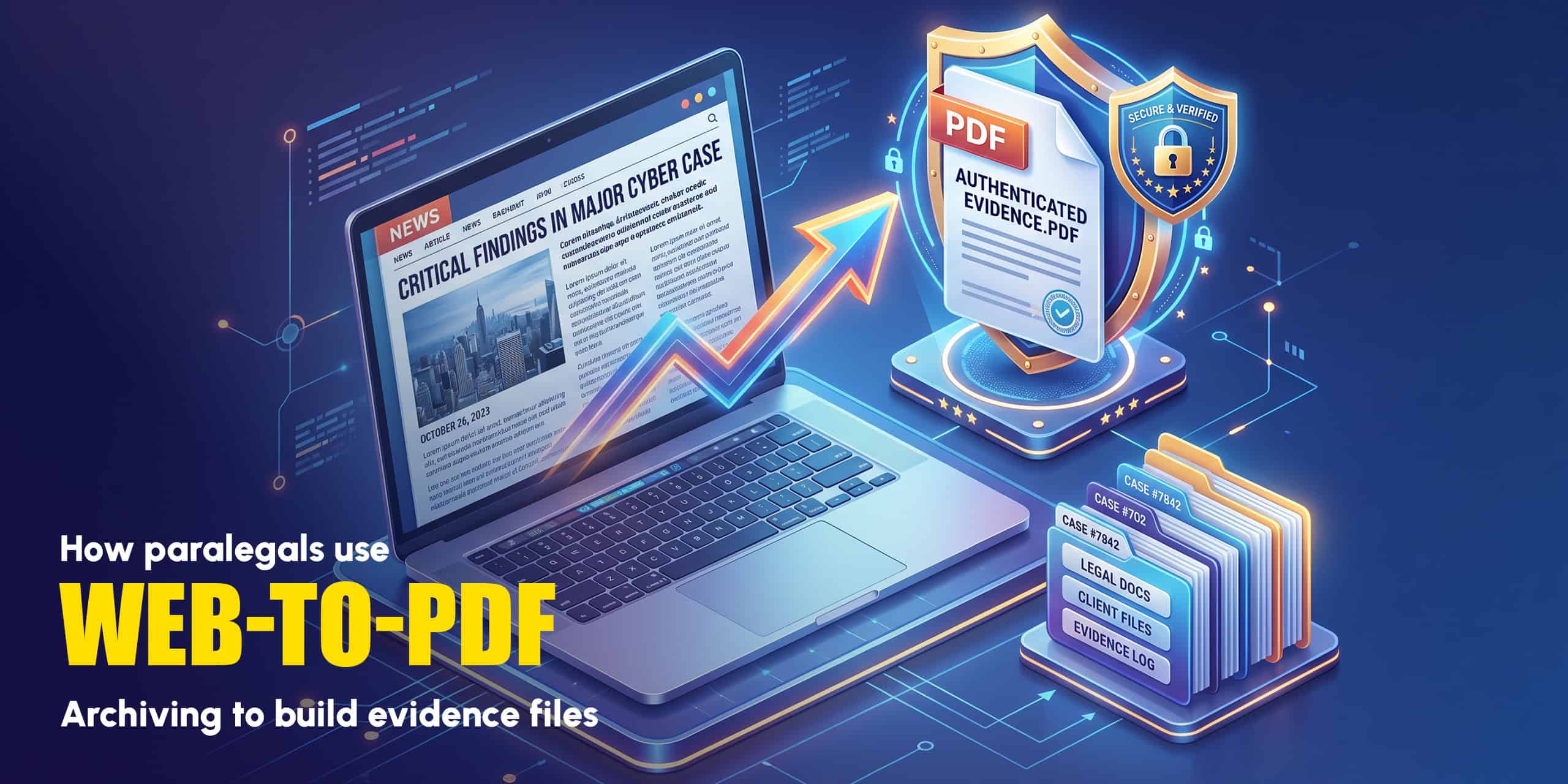
That is why more and more legal professionals are turning to web-to-PDF archiving as their standard method for capturing and preserving online evidence. In this guide, we walk through exactly how paralegals use PDF archiving in their daily workflow, from the first stages of case research all the way through to trial preparation.
Why Screenshots Are Not Enough for Legal Evidence
Many paralegals start by taking screenshots of web pages. It is fast, free, and feels straightforward. But screenshots have serious weaknesses when it comes to building a legal evidence file.
- Partial capture only. A screenshot captures what is visible on screen at that moment. A long web page, a collapsed section, or content that loads dynamically may not appear. A PDF rendered by a proper tool captures the full page.
- No metadata. A screenshot file stores minimal information about when and how it was captured. A PDF generated from a web page can retain the source URL, rendering timestamp, and page structure, details that help authenticate the document.
- Easy to challenge. Screenshots can be edited in seconds with widely available tools. Courts and opposing counsel are increasingly skeptical of screenshots as standalone evidence. A complete, rendered PDF is harder to credibly dispute.
- Format fragility. Image files degrade, get compressed, or lose quality when shared via email or messaging apps. PDFs maintain their fidelity regardless of how many times they are forwarded or printed.
- No text search. A screenshot is an image. A PDF preserves selectable, searchable text from the original page, which is invaluable when attorneys need to highlight specific passages or run keyword searches across a case file.
How Paralegals Build Evidence Files Using Web-to-PDF
Here is a step-by-step look at how legal professionals integrate web-to-PDF archiving into real casework.
Step 1: Identify online sources during case research
Early in a case, paralegals often conduct broad research across news archives, social media platforms, corporate websites, court databases, government portals, and public records. Any page that contains information relevant to the case becomes a candidate for archiving.
Common sources paralegals archive include: corporate “About Us” and product pages, social media profiles and posts, news articles, press releases, government agency pages, online forum posts and review sites, and competitor or third-party websites referenced in contracts or disputes.
Step 2: Convert each source to PDF immediately
This is the critical step. The moment a relevant page is identified, it should be archived, not bookmarked, not screenshotted, not noted for later. Websites change constantly. Pages go offline. Companies quietly update their terms, product descriptions, or statements. The version that exists today may not exist tomorrow.
Using a web-to-PDF tool like webs2pdf.com, the process takes under a minute per page:
- Copy the URL of the relevant page from the browser address bar.
- Paste it into webs2pdf.com and click Convert to PDF.
- Download the PDF. The full page, including all text, images, and visible metadata, is captured.
- Immediately rename the file with a clear naming convention (see tips below) and save it to the case folder.
Step 3: Document the capture in a log
A PDF alone is not a complete evidence record. For each archived page, paralegals should maintain a simple capture log that records: the full URL of the page, the date and time the PDF was generated, the name of the person who captured it, and a brief note on its relevance to the case. This log becomes part of the chain of custody documentation and is essential if the archive is ever challenged.
Step 4: Organise by case folder and Bates number if required
In larger matters, particularly litigation and discovery, evidence documents are typically assigned Bates numbers for organised reference. Web-archive PDFs should be treated the same as any other documentary evidence: filed systematically, named consistently, and indexed in the case management system.
Step 5: Flag archived PDFs for attorney review
Once the initial archive sweep is complete, the supervising attorney reviews the collected PDFs to determine relevance, privilege, and potential admissibility. The paralegal’s job is to ensure the archive is complete and well-documented so the attorney can make those judgements efficiently.
Web-to-PDF Evidence Archiving by Practice Area
The need for web evidence archiving spans virtually every area of law. Here is how different practice areas use it.
| Practice area | Common web sources archived | Why PDF archiving matters |
| Personal injury | Company safety records, product pages, and regulatory violations | Preserves evidence of negligence that companies may remove after the incident |
| Employment law | Job postings, company policy pages, employee review sites | Documents working conditions, promises made, and discriminatory patterns |
| Defamation | Social media posts, news articles, blog content | Creates a timestamped record before deletion or editing by the defendant |
| Contract disputes | Website terms, pricing pages, product/service descriptions | Proves what was represented at the time a contract was entered into |
| IP and trademark | Competitor sites, product listings, marketing materials | Documents infringing use at a specific point in time |
| Family law | Social media profiles, online activity, business websites | Captures lifestyle evidence relevant to asset claims or custody matters |
| Consumer protection | Advertising claims, product listings, pricing representations | Preserves misleading claims before they are corrected or removed |
| Criminal defense | News coverage, social media, public records | Documents potentially prejudicial content or contradictory public statements |
Best Practices for Legal Web Archiving
- Archive immediately, not later. The single most important habit. If a page matters to the case, save it as a PDF right now. Do not wait until the end of the day, the end of the week, or “when there’s time.” Online content can change or disappear within hours.
- Use a consistent file naming convention. A clear, searchable naming structure prevents chaos in large case files. A useful format: CaseCode_Source_YYYY-MM-DD.pdf, for example: SmithvAcme_AcmeProductPage_2026-04-14.pdf.
- Always record the source URL in your capture log. The PDF itself preserves the page content, but your log should record the exact URL. If the page is later removed, the URL is still part of the paper trail.
- Capture the full page, not just the visible area. Webs2pdf.com renders the complete page before generating the PDF, including content that requires scrolling. Partial captures that miss content below the fold can create gaps in the evidence record.
- Note the time zone when recording capture dates. Time zone discrepancies can become relevant, particularly in cases involving events with a specific timeline. Always record capture times in a consistent, documented time zone.
- Store archives in your case management system, not on local drives. A PDF saved only on a paralegal’s laptop is vulnerable to hardware failure, accidental deletion, and access issues. Store all archived PDFs in the firm’s case management or document management system immediately after capture.
- Do not alter the PDF after capture. Any post-capture modification, even adding a highlight or annotation, can be grounds for a challenge to authenticity. If annotation is needed for attorney review, work on a copy and preserve the original unmodified archive.
What Webs2PDF Captures That Simple Tools Miss
Not all PDF conversion tools are equal. For legal evidence purposes, the completeness and fidelity of the captured document matter enormously. Here is how webs2pdf.com compares to simpler methods for legal evidence work.
| Feature | Webs2PDF vs browser print/screenshot |
| Full-page capture | Webs2PDF renders the complete page. Browser print may truncate content. Screenshots are limited to the visible viewport. |
| Images and media included | Webs2PDF renders all images fully loaded. Browser print and screenshots frequently miss lazy-loaded images. |
| Searchable text preserved | Webs2PDF produces text-layer PDFs. Screenshots produce image-only files with no searchable or selectable text. |
| Source URL in output | The conversion captures the full source URL as part of the document context. Screenshots have no built-in source reference. |
| Dynamic content rendered | Webs2pdf.com fully renders JavaScript-driven content before conversion. Browser print often misses dynamically loaded sections. |
| Consistent output format | PDF output is standardised and reproducible. Screenshots vary by device, screen resolution, and zoom level. |
| No browser toolbar in output | Webs2PDF produces a clean document. Browser print-to-PDF includes headers, footers, and print date by default. |
| Works from any device | Webs2PDF works from any browser on desktop or mobile. Screenshot quality varies significantly across devices. |
Frequently Asked Questions
Are PDF archives of web pages admissible as evidence in court?
The admissibility of any digital evidence depends on jurisdiction, the specific case circumstances, and how well the evidence is authenticated. Under Federal Rule of Evidence 901, digital evidence, including web page archives, must be shown to be what it purports to be. A complete, unaltered PDF with a documented capture date, source URL, and clear chain of custody log provides a strong foundation for authentication. Always consult with the supervising attorney on the admissibility strategy for specific evidence.
What should I include in a capture log for web evidence?
At minimum, your capture log should record: the full URL of the page, the date and time of capture (including time zone), the name of the person who created the archive, the tool used to generate the PDF, and a brief note on the relevance of the page to the matter. This log should be stored alongside the PDF archives in the case file.
Can I archive social media pages as PDF evidence?
Yes. Webs2pdf.com can convert any publicly accessible web page to PDF, including public social media profiles, posts, and pages. For private or login-required social media content, web-based converters cannot access the content, and alternative capture methods may be needed. Always consult the supervising attorney before attempting to access any non-public content.
How do I handle a web page that changes after I archive it?
This is exactly why early and immediate archiving is so important. If a page changes after your initial capture, archive the new version as well and note the change in your capture log with both dates. The difference between the two archived versions can itself become relevant evidence of a deliberate modification.
Does webs2pdf.com work with government and court portal websites?
Webs2pdf.com works with any publicly accessible web page, including most government and court portal websites. Some court portals require login credentials to access case documents, in which case the publicly visible portions can still be archived. For login-protected content, consult with your firm’s IT team or a legal technology specialist.
Conclusion
Online evidence has become a central part of modern litigation across nearly every area of law. Social media posts, corporate web pages, news articles, regulatory filings, product listings, the web is full of material that can make or break a case.
The paralegals who serve their legal teams best are the ones who capture this evidence immediately, completely, and in a format that is reliable, searchable, and defensible. A web-to-PDF archive created the moment a relevant page is found is infinitely more valuable than a broken link or a blurry screenshot produced weeks later.
Webs2pdf.com makes that process fast, simple, and consistent, no technical expertise required, no software to install, and no account needed to get started. Visit webs2pdf.com and convert your first page in under 60 seconds.