When it comes to converting a web page into a high-quality PDF, most tools fall short. Users often face missing images, broken layouts, and incomplete pages. But one issue that’s rarely discussed, and equally frustrating, is page splitting.
Most converters break your web page into multiple chunks or A4-style pages, ruining the flow and design.
That’s where Webs2PDF is different.
Webs2PDF doesn’t just capture every detail perfectly; it also delivers your entire web page as a single, continuous PDF file without unnecessary page breaks, ensuring smooth readability and complete accuracy.
Why Most Web to PDF Tools Fail
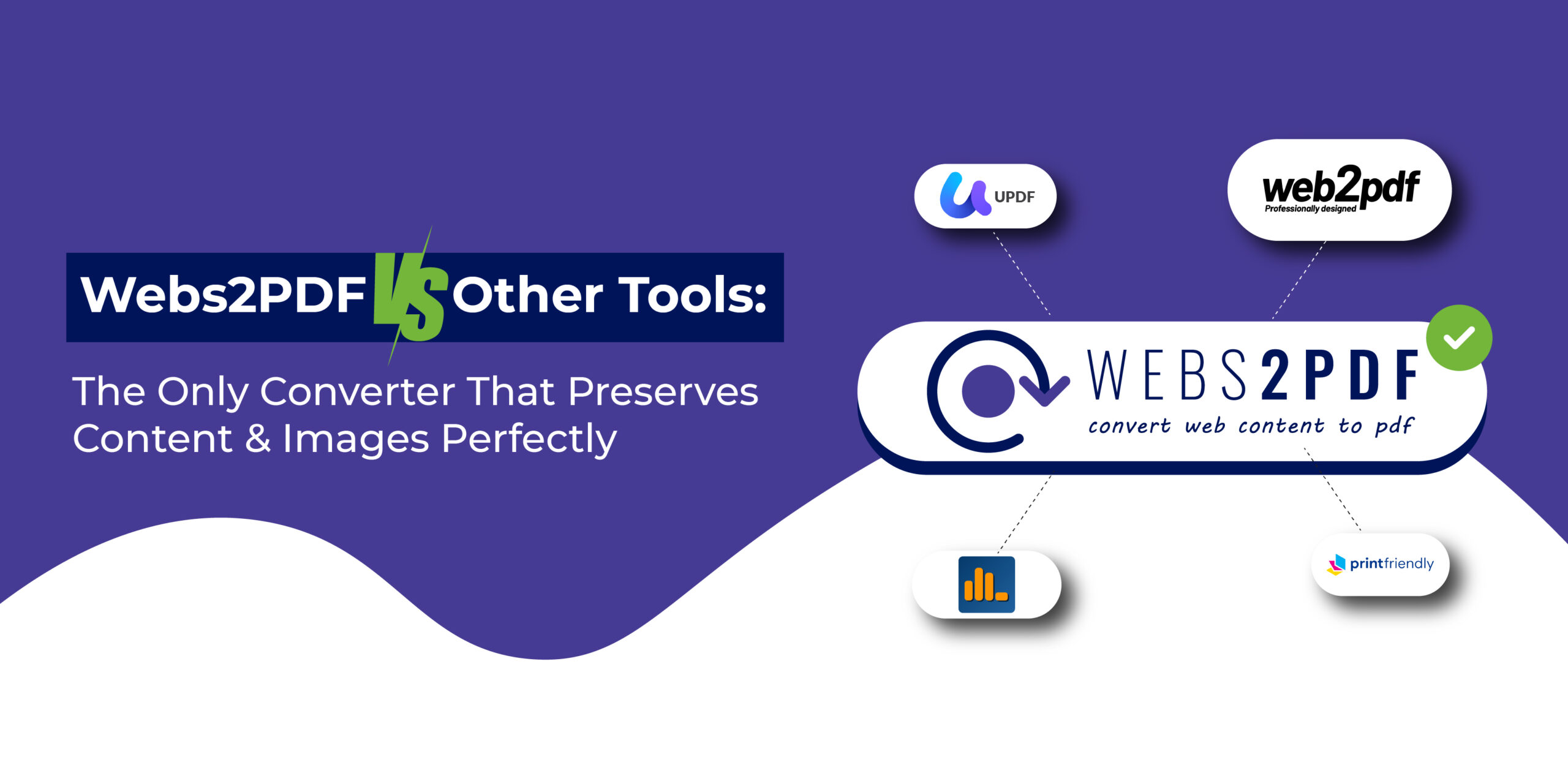
While many converters like Web2PDFConvert, PDFMyURL, and iLovePDF claim to be accurate, they struggle with:
- Page Breaks: They divide long web pages into multiple pages, cutting off sections mid-way.
- Missing Images: Visuals and banners fail to load or appear blank.
- Lost Layouts: Dynamic elements, CSS styling, and fonts don’t render correctly.
- Incomplete Data: Text-heavy sites often lose sections or truncate paragraphs.
- Limited Customization: Most tools offer limited control over format and quality.
These issues make the final PDF look unprofessional and incomplete, especially for users who need perfect documentation.
What Makes Webs2PDF Truly Different
Webs2PDF isn’t just another converter; it’s a precision rendering engine built to capture your website exactly as it appears online.
Every pixel, image, font, and section is replicated with pixel-perfect accuracy, resulting in a single, continuous PDF that mirrors your live web page, without missing anything.
1. Single Continuous PDF No Page Breaks, No Gaps
Unlike most tools that slice your content into A4-style pages, Webs2PDF generates a smooth, scrollable PDF in one continuous flow.
This makes it ideal for:
- Long-form web pages, landing pages, or blogs
- Design portfolios or product catalogs
- Website snapshots and marketing reports
With a single-page layout, your PDF looks cleaner, more professional, and easier to read.
2. Image-Perfect Rendering Every Visual Preserved
From banners and infographics to product images and icons, Webs2PDF ensures no visual is left behind.
All graphics are captured in full resolution, without distortion, compression, or blank placeholders, so your PDF looks exactly like your live site.
3. 100% Layout & Style Accuracy
Your website’s layout, typography, and color scheme are preserved exactly as they appear online.
Whether your site uses modern CSS, animations, or responsive design, Webs2PDF maintains every element for a true-to-design PDF output.
4. Handles Dynamic & JavaScript-Heavy Pages
Many converters struggle with JavaScript-based websites, but not Webs2PDF.
Our engine can process interactive elements, sliders, tabs, and lazy-loaded content, ensuring that even the most complex pages render fully and accurately in PDF form.
5. Fast, Seamless, and Reliable Conversion
Speed meets precision; even large or media-rich pages are converted within seconds.
No freezing, no delays, and no loss of quality, just a smooth, efficient conversion every time.
Comparison: Webs2PDF vs Other Popular Tools
| Feature | Webs2PDF | Web2PDFConvert | PDFMyURL | iLovePDF |
| Single Continuous PDF | ✅ | ❌ | ❌ | ❌ |
| Complete Content Capture | ✅ | ⚠️ Partial | ⚠️ Partial | ❌ |
| Image Preservation | ✅ | ⚠️ | ❌ | ⚠️ |
| Page Layout Accuracy | ✅ | ⚠️ | ⚠️ | ⚠️ |
| JavaScript Page Support | ✅ | ❌ | ❌ | ❌ |
| Conversion Speed | ⚡ Fast | ⚠️ Moderate | ⚠️ Slow | ⚠️ Moderate |
Result: Only Webs2PDF provides a single-page, fully accurate, image-perfect PDF output.
Real Example: Tarkhan.pk Conversion Test
To test performance, we generated a PDF from Tarkhan.pk using several tools.
- Competitors’ PDFs missed images, broke the layout into multiple pages, and skipped parts of the content.
- Webs2PDF, on the other hand, delivered a clean, single-file PDF that preserved every section, image, and style, just like the live site.
The difference is clear: Webs2PDF doesn’t just convert, it replicates.
Why “Single Page” PDFs Matter
A single continuous PDF isn’t just about convenience; it improves usability, readability, and presentation:
- Ideal for website archives and marketing reports
- Easy to scroll and review without page cuts
- Looks more professional and visually cohesive
- Ensures nothing is lost between page breaks
For teams, clients, and documentation purposes, a single-page full-capture PDF means you always have a perfect digital copy of your website.
Final Verdict
Most web-to-PDF tools give you fragments of your website, but Webs2PDF gives you the whole picture.
- 100% content and image accuracy
- Single continuous PDF output
- Perfect layout preservation
- Fast and reliable performance
If you want a true representation of your website in PDF format, there’s only one choice: Webs2PDF.com, the most accurate web-to-PDF converter online.