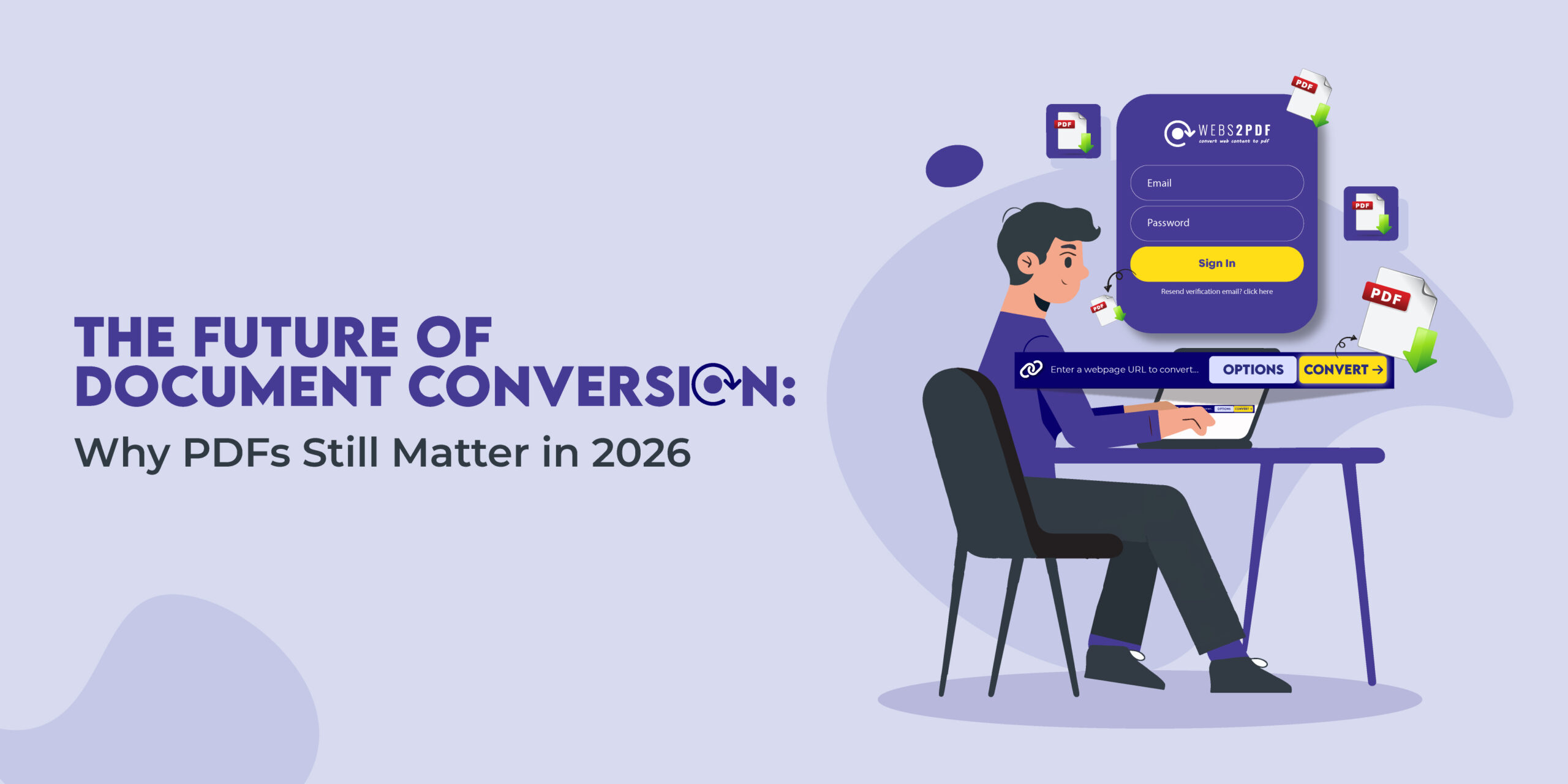
In an era dominated by cloud storage, AI document assistants, and real-time collaboration tools, one format continues to stand firm: the PDF. Despite countless new technologies, PDFs remain the universal standard for secure, consistent, and portable digital documents.
As we move into 2026, the way we convert, share, and store documents is changing, but the importance of PDFs hasn’t faded. Instead, they’ve evolved. This article explores why PDFs still matter, how document conversion is transforming, and how Webs2PDF helps individuals and businesses stay ahead in this digital shift.
A Brief History of PDFs and Document Conversion
When Adobe introduced the Portable Document Format (PDF) in 1993, its purpose was simple: create a file that looks the same on every device and operating system.
At the time, sharing documents between computers was unpredictable, fonts went missing, layouts broke, and images disappeared. PDF solved all of that.
Fast forward to 2026, and PDFs are not just digital “printouts.” They’ve evolved to include interactive forms, embedded media, digital signatures, and advanced encryption, all while maintaining their core strength: reliability.
This consistency has made PDFs the default format for invoices, contracts, research papers, resumes, and government documents worldwide.
Why PDFs Still Matter in 2026
1. Universal Compatibility
PDFs work everywhere, on desktops, tablets, and smartphones. No matter what platform or software you use, a PDF opens and displays identically.
For businesses and freelancers, this guarantees that every client, partner, or stakeholder sees the same layout and data, with no formatting surprises.
2. Security and Compliance
Modern PDFs go far beyond static text. They support:
- Password protection
- 256-bit AES encryption
- Digital signatures for verification
- Access control and redaction
In industries like finance, healthcare, and law, where privacy is non-negotiable, PDFs are essential for meeting GDPR, HIPAA, and ISO compliance standards.
3. Offline Accessibility
While most modern work happens online, not everything should depend on an internet connection.
PDFs can be stored locally, accessed offline, and annotated without cloud dependency, crucial for travelers, researchers, and professionals in areas with limited connectivity.
4. Integration with Modern Workflows
From Google Drive and Dropbox to CRM tools and project management systems, PDFs remain the common denominator for document sharing and archiving.
With tools like Webs2PDF, users can instantly convert live web content into downloadable, shareable PDFs, preserving design, links, and metadata in seconds.
Emerging Trends in Document Conversion
AI-Powered Conversion
AI now plays a major role in the evolution of document conversion. Modern converters can:
- Extract structured data from scanned pages
- Auto-detect headlines, tables, and charts
- Create searchable, indexed PDFs
This saves researchers and businesses countless hours in data extraction and knowledge management.
Enhanced Collaboration Features
In 2026, PDFs are no longer static. Tools now allow real-time comments, annotations, and version tracking, turning PDFs into collaborative workspaces. Teams can share PDFs directly through the cloud and edit them securely from anywhere.
Mobile & Responsive PDFs
Mobile-first design has reached PDFs, too. Responsive PDFs automatically adjust layout for smaller screens while maintaining structure, ideal for reading reports or contracts on tablets and phones.
Cloud-Based Conversion and Storage
Web-based tools like Webs2PDF have made conversion effortless and secure. Users can convert, store, and share web content in PDF format directly from the browser, no downloads, no installations.
The future is about simplicity, automation, and accessibility.
PDFs vs Other Document Formats
You might wonder: With HTML, DOCX, and Google Docs, do we still need PDFs?
Yes, and here’s why:
| Feature | DOCX | HTML | |
|---|---|---|---|
| Layout consistency | ✅ Always identical | ❌ Often breaks | ❌ Varies by browser |
| Security & encryption | ✅ Strong | ⚠️ Limited | ❌ Weak |
| Offline use | ✅ Fully functional | ✅ Limited | ❌ Requires browser |
| Cross-platform | ✅ Universal | ⚠️ Requires MS Office | ⚠️ Browser-dependent |
PDFs remain the only format that balances readability, portability, and compliance, which is why they continue to dominate official workflows even in 2026.
Practical Applications in 2026
For Businesses & Freelancers
Invoices, contracts, proposals, and reports, all best shared as PDFs for authenticity and tracking. Tools like Webs2PDF allow users to capture live dashboards, analytics pages, or online invoices as PDFs with one click.
For Educators & Researchers
Preserving web-based academic articles, online journals, and reference materials is easier with PDF archiving. Researchers can ensure content remains accessible even if the original page changes or disappears.
For Remote Teams
Remote work depends on clear, consistent communication. Teams use PDFs to distribute training materials, guides, and collaborative reports, ensuring everyone works from the same version.
For Newsrooms & Analysts
PDF archiving is vital for referencing historical web content. Journalists and data analysts rely on PDFs to maintain snapshots of articles, ensuring authenticity even after edits.
Future-Proofing Your Document Strategy
The future of document management isn’t about abandoning the PDF; it’s about enhancing it with automation and AI.
To stay ahead, choose tools that support:
- Batch and automated conversion
- Custom headers, watermarks, and metadata
- Cross-platform compatibility and cloud sync
With Webs2PDF, you can convert, store, and share PDFs that are secure, consistent, and future-ready, whether you’re preserving a blog post, generating a client report, or archiving web data.
FAQs
Q1: Will PDFs remain relevant beyond 2026?
Absolutely. With their adaptability and security, PDFs are evolving alongside AI and automation, not being replaced.
Q2: Can PDFs be interactive in 2026?
Yes. PDFs now support embedded links, forms, videos, and even JavaScript interactivity.
Q3: Are PDFs secure for sharing sensitive data?
With proper encryption and password protection, PDFs remain one of the most secure document formats available.
Q4: How does Webs2PDF make document conversion easier?
Webs2PDF allows users to convert any webpage into a downloadable, shareable PDF instantly, preserving the layout, links, and visuals.
Q5: Why should I use PDFs for archiving?
Because PDFs ensure your documents remain readable and intact, even if the source web pages change or get deleted.
Conclusion
As digital transformation accelerates, one thing remains clear: PDFs are here to stay. They’ve evolved from simple printable files to intelligent, interactive, and secure digital assets that power business, education, and research.
With Webs2PDF, converting, protecting, and preserving your digital content has never been easier. Start using it today to future-proof your workflows and ensure your documents remain accessible, consistent, and secure, well into 2026 and beyond.

One Response