Get practical tips, inspiration, and insights to help you make the most of Web2PDF. Explore our latest articles to convert smarter, work better, and stay organized.
Step into our corner of ideas, where simple tools turn into smarter workflows. Here you’ll find tips, guides, and inspiration to help you transform web pages into polished PDFs with ease. Stay tuned for practical know-how, thoughtful insights, and a touch of creativity to keep your digital world organized and stress-free.
Images Missing After Webpage to PDF Conversion: How to Fix
Saving webpages as PDFs is a common task for students, professionals, and businesses. However, a frustrating issue many users face is that images are missing after the
Webpage to PDF Blank Page Issue: Causes, Fixes, and Solutions
Converting a webpage to PDF is a common task for professionals, students, developers, and businesses. However, many users face a frustrating issue where the PDF file downloads
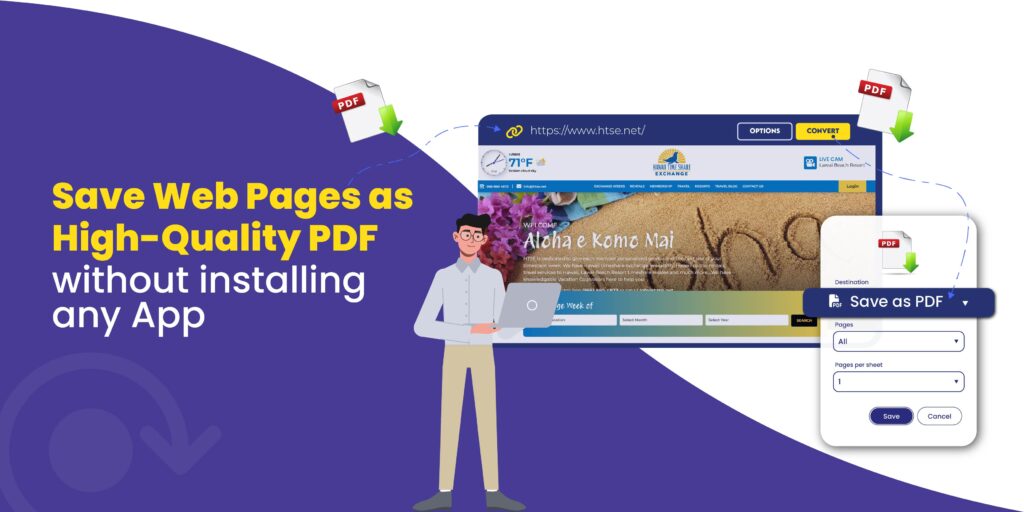
Save Web Pages as High-Quality PDF Without Installing Any App
In today’s fast-paced digital world, saving web pages as high-quality PDFs has become essential for students, freelancers, researchers, and professionals alike. Whether it’s an article, tutorial, invoice,
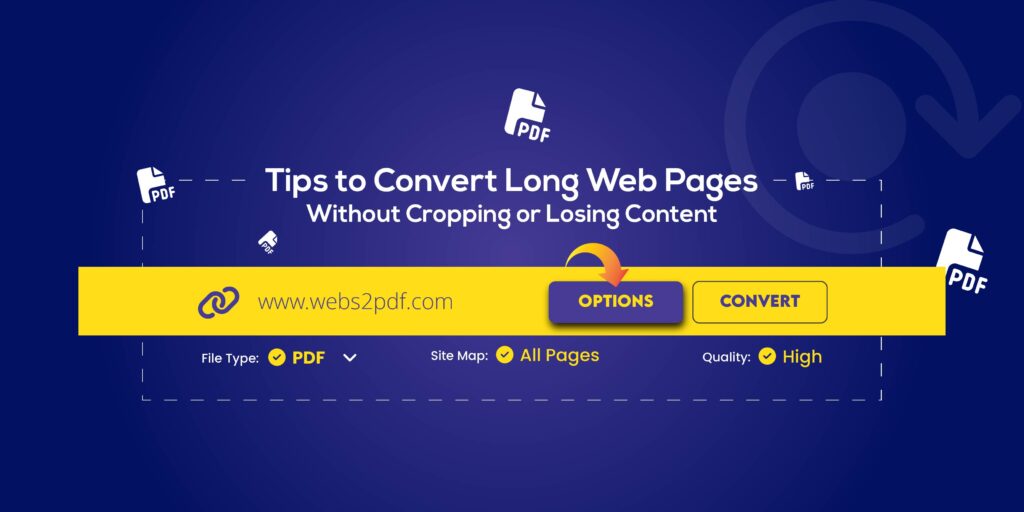
Tips to Convert Long Web Pages to PDF Without Cropping or Losing Content (2026 Guide)
Converting long web pages to PDF without cropping or losing content has become essential in 2026 for researchers, students, and professionals who need to save, archive, or
How to Convert Dynamic Web Pages to PDF or Image (Ultimate 2026 Guide)
Want to save a dynamic website for offline use, research, or documentation, but normal screenshots don’t capture everything? Dynamic web pages load content using JavaScript, AJAX, APIs,
Webpage to PDF vs Screenshot: Which Is Better for Archiving Web Pages in 2026?
Archiving web content has become essential in today’s digital world. Whether you’re a student, researcher, journalist, developer, or business professional, saving important webpages ensures you have a
The Future of Document Conversion: Why PDFs Still Matter in 2026
In an era dominated by cloud storage, AI document assistants, and real-time collaboration tools, one format continues to stand firm: the PDF. Despite countless new technologies, PDFs
Behind the Scenes: How Webs2PDF Protects Your Privacy
In today’s digital world, privacy is more than a preference, it’s a necessity. Whether you’re a researcher archiving articles, a freelancer managing client invoices, or a professional
Why Professionals Save Invoices and Reports as PDFs: A Complete Workflow
Every professional, whether a freelancer, accountant, manager, or business owner, deals with invoices, reports, and statements daily. These documents are the backbone of business operations, and storing
Our online HTML to PDF converter seamlessly supports the latest versions of all major browsers, ensuring compatibility with Chrome, Firefox, Edge, Safari, Opera, Internet Explorer, Vivaldi, and Brave. This ensures a versatile user experience across different platforms and devices.
Reach Out
We’re happy to help or answer any questions about Web2pdf. Please provide your information and we will response as soon as possible.