In today’s fast-paced digital world, saving web pages as high-quality PDFs has become essential for students, freelancers, researchers, and professionals alike. Whether it’s an article, tutorial, invoice, or online report, having a clean, print-ready PDF ensures your content remains accessible offline, easy to share, and professionally preserved. The best part? You can convert any webpage into a high-quality PDF online, without installing any software, app, or browser extension.
This guide will show you how to save webpages as PDFs, maintain layout and image quality, and choose the best online tools for converting HTML to PDF efficiently and securely.
Why Save Web Pages as PDF?
Converting webpages to PDF is not just convenient; it ensures your content is accurately preserved, accessible offline, and easy to share or print. Saving a webpage as a high-quality PDF is ideal for students, professionals, researchers, and businesses who want a clean, print-ready copy of online content.
Benefits of Saving Web Pages as PDF:
Preserves Layout & Design: PDF retains the exact formatting, fonts, images, tables, and colors, ensuring a high-quality, print-ready PDF even if the webpage changes later.
Offline Access Anytime: Read articles, tutorials, research papers, or documents without needing an internet connection, making your content portable and reliable.
Professional Documentation: Perfect for business reports, invoices, contracts, receipts, and research documents, keeping all details intact.
Easy to Share & Print: PDFs are universally supported on all devices, making it simple to share or print without formatting issues.
Common Challenges People Face While Converting Web Pages to PDF
While most modern browsers offer a “Print to PDF” option, this built-in method often falls short, especially when creating high-quality, print-ready PDFs. Users frequently encounter several issues:
Missing Images or Cropped Sections
Long webpages, infinite scroll pages, or content-heavy sites may get cut off, resulting in incomplete PDFs.
Dynamic Content Not Loading
JavaScript-heavy pages, animations, videos, or interactive elements often fail to render properly when using standard browser PDF tools.
Reduced Image and Text Quality
Browser-generated PDFs may compress images and reduce resolution, producing a lower-quality output.
Poor Formatting and Layout
Margins, spacing, tables, and multi-column layouts often break, making the PDF look unprofessional.
These challenges highlight the need for a reliable online PDF converter that can handle dynamic content, preserve layout, and generate high-quality PDFs from any webpage. Tools like Webs2PDF ensure your documents remain complete, accurate, and print-ready.
Best Online Tools to Convert Web Pages to High-Quality PDF
Converting webpages to high-quality PDFs requires the right tool, especially when dealing with long pages, dynamic content, or professional documents. Here are the top options:
1. Webs2PDF (Recommended)
Webs2PDF is a reliable online PDF converter that offers advanced features for both casual and professional users.
Key Features:
- Fully online, no installation required, works in any browser.
- Supports JavaScript-heavy or dynamic pages for accurate content rendering.
- High-resolution PDF output ensures print-ready quality.
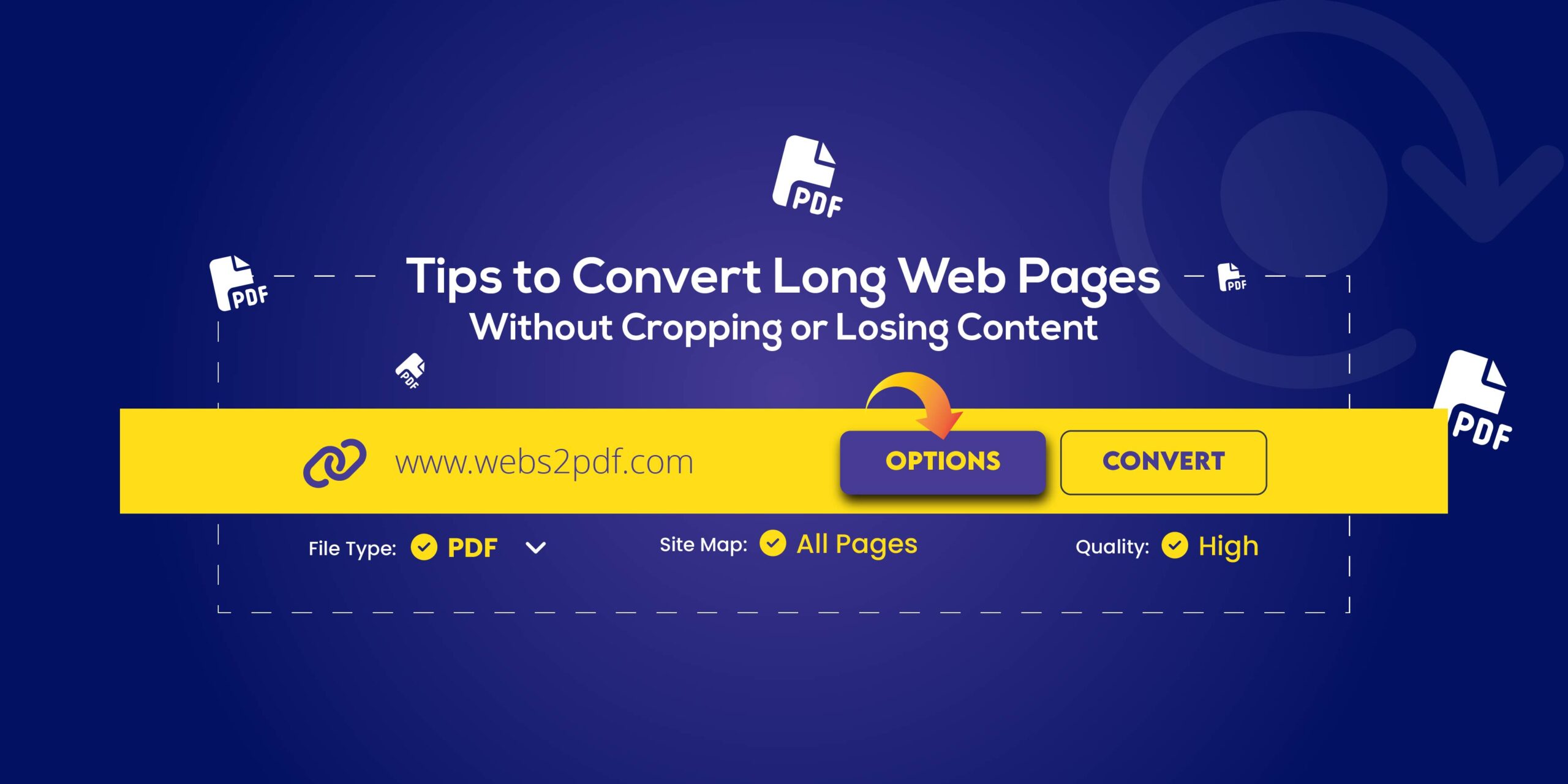
- Customizable settings: adjust page size, margins, zoom, and orientation.
- Add headers, footers, and watermarks for professional documentation.
- Secure & privacy-focused: SSL encryption and automatic file deletion.
- Ideal for long web pages, business reports, academic papers, and professional use.
2. Browser Extensions (Optional)
Full-page capture extensions for Chrome or Firefox can help save webpages as PDFs.
Features:
- Capture long scrolling pages easily.
- Annotation tools to add notes or highlights.
- Some layout customization options.
Note: Browser extensions may slow down performance and require installation.
Step-by-Step Guide: How to Save Any Web Page as a High-Quality PDF (Online)
Saving a webpage as a high-quality PDF is easy when you follow the right steps. Using tools like Webs2PDF, you can convert webpages to PDF online without installing any software or browser extension.
Step 1: Open the Webpage
Ensure the entire page loads completely, including images, videos, and dynamic content, for a full capture.
Step 2: Copy the Page URL
Copy the full URL from your browser’s address bar. A complete URL ensures that all content is included in the PDF.
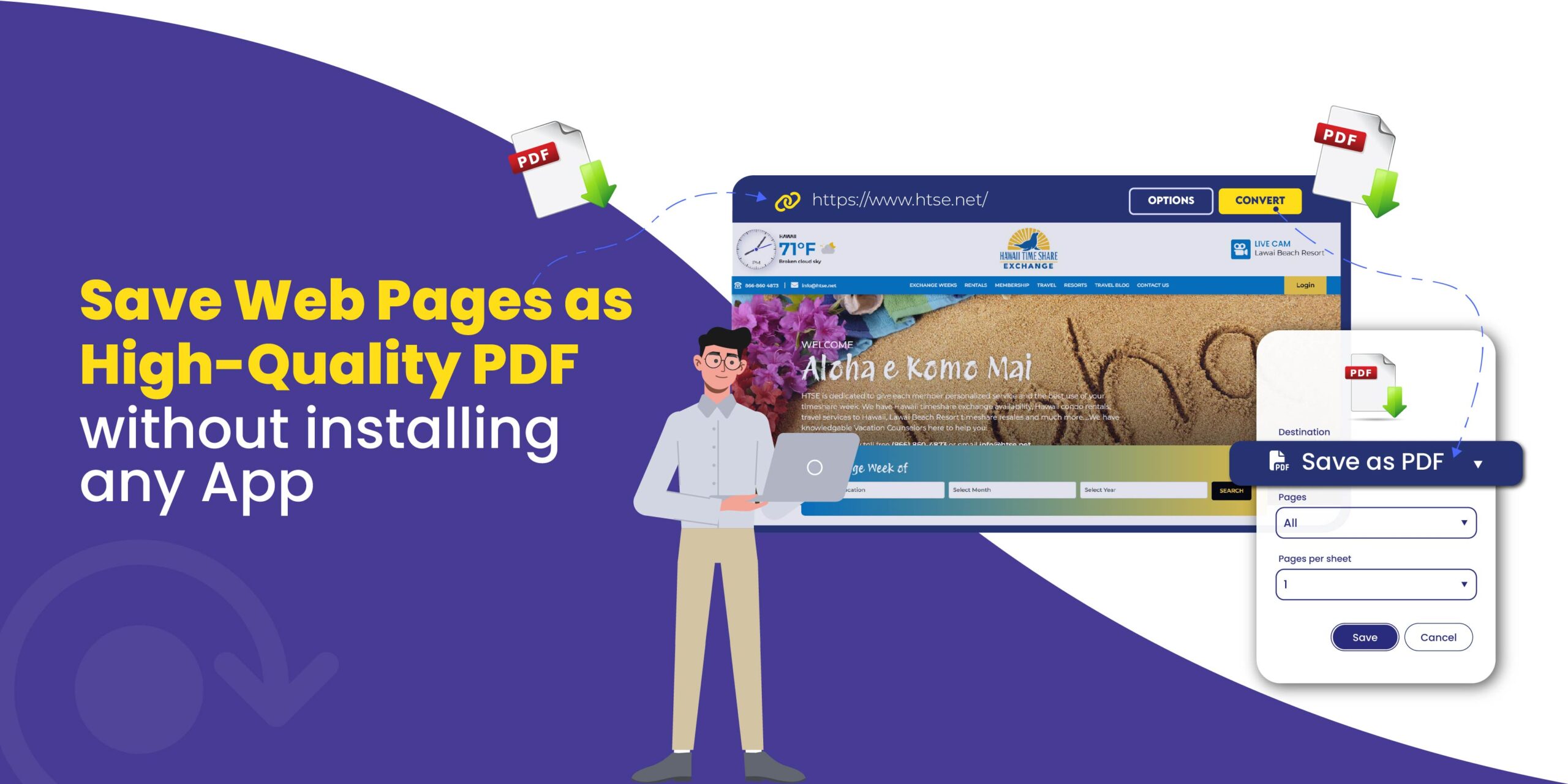
Step 3: Paste URL into Webs2PDF
Go to Webs2PDF.com and paste the copied URL into the input box. This tool supports both static and JavaScript-heavy pages.
Step 4: Customize Settings (Optional)
Page Settings:
- Choose A4, Letter, or Custom size.
- Select Portrait or Landscape orientation.
- Adjust margins and zoom for a full-width capture.
Advanced Options:
- Add headers, footers, page numbers, and titles.
- Insert a watermark for branding or copyright.
- Remove ads or pop-ups for a clean, professional PDF.
Step 5: Convert & Download
Click Convert, wait a few seconds, and download your high-resolution, print-ready PDF. Your PDF will maintain original formatting, layout, and image quality.
Tips for Creating High-Quality PDFs from Web Pages
To ensure your converted PDFs are professional, print-ready, and accurate, follow these simple tips when converting a webpage to PDF online:
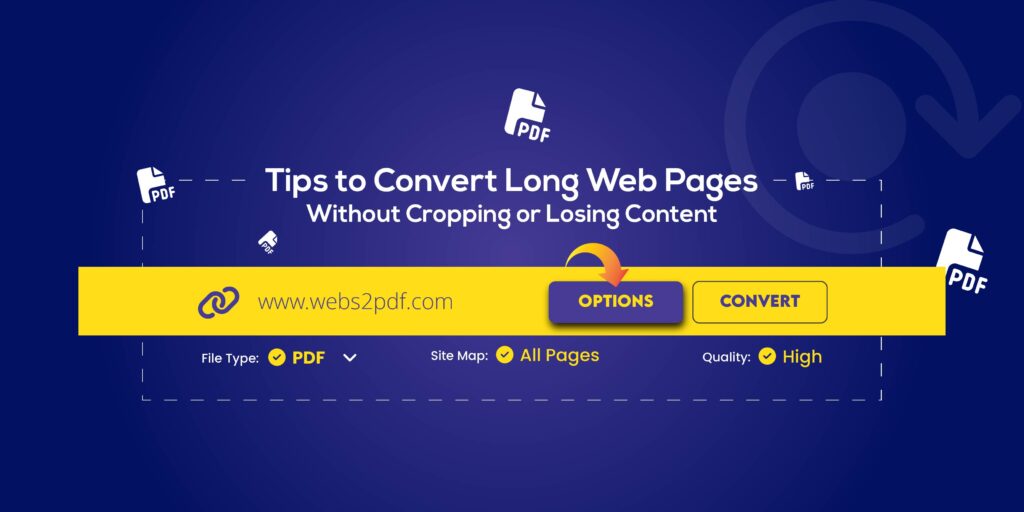
Use Full-Page Capture Mode: Always enable full-page capture to ensure no content is cut off, especially for long or scrolling pages.
Remove Ads and Pop-Ups: Use reader mode or close banners and pop-ups before conversion. This results in a clean and professional PDF.
Maintain High Image Quality: Ensure all images and graphics on the webpage load in high resolution before converting. This preserves clarity in the final PDF.
Split Extremely Long Pages: For very long webpages, consider splitting content into sections. This improves readability, navigation, and professional presentation in the PDF.
Why Webs2PDF Is the Best Choice
When it comes to saving webpages as high-quality PDFs online, Webs2PDF stands out as the most reliable and user-friendly option. Here’s why professionals, students, and businesses choose it:
No Installation or Browser Extension Needed: Fully online, Webs2PDF works in any browser, making it quick and hassle-free.
Captures Complete Long Pages Without Cropping: Whether it’s a lengthy article, report, or dynamic webpage, Webs2PDF ensures every section is captured accurately.
Highest-Quality PDF Rendering: Get print-ready PDFs with preserved formatting, fonts, tables, and images.
Supports JavaScript and Dynamic Content: Handles interactive elements, animations, and scripts that standard browser PDF options often miss.
Secure and Privacy-Compliant: Files are encrypted with SSL and automatically deleted after conversion, keeping your data safe.
Ideal for Business, Research, and Academic Use: Perfect for professional documentation, research papers, invoices, or educational materials.
Custom Branding Options: Add headers, footers, and watermarks for professional presentation or copyright protection.
FAQs
1. How can I save a full webpage as a PDF without losing content?
Use a full-page online PDF converter like Webs2PDF, which supports long scrolling pages and preserves layout, images, and formatting.
2. Is it possible to save a webpage as PDF without installing an app?
Yes! All the tools mentioned in this guide work completely online, so you don’t need to install software or browser extensions.
3. Can I convert dynamic or JavaScript-heavy pages to PDF?
Absolutely. Webs2PDF can handle dynamic content, animations, and JavaScript elements, ensuring accurate PDF conversion. Embedded videos will appear as static images, but all other content is preserved in high-quality, print-ready PDFs.
Conclusion
Saving web pages as high-quality, print-ready PDFs has become essential for students, professionals, researchers, and businesses alike. Whether you need to archive content, create professional reports, or share information offline, using a reliable online PDF converter ensures your webpages are preserved accurately and completely.
With tools like Webs2PDF, you can convert any webpage, static or dynamic, into a clean, high-resolution PDF without installing software or browser extensions. This method keeps your content portable, professional, and easy to share across devices.
Take control of your digital content and start converting webpages to high-quality PDFs online today for seamless documentation and professional results.