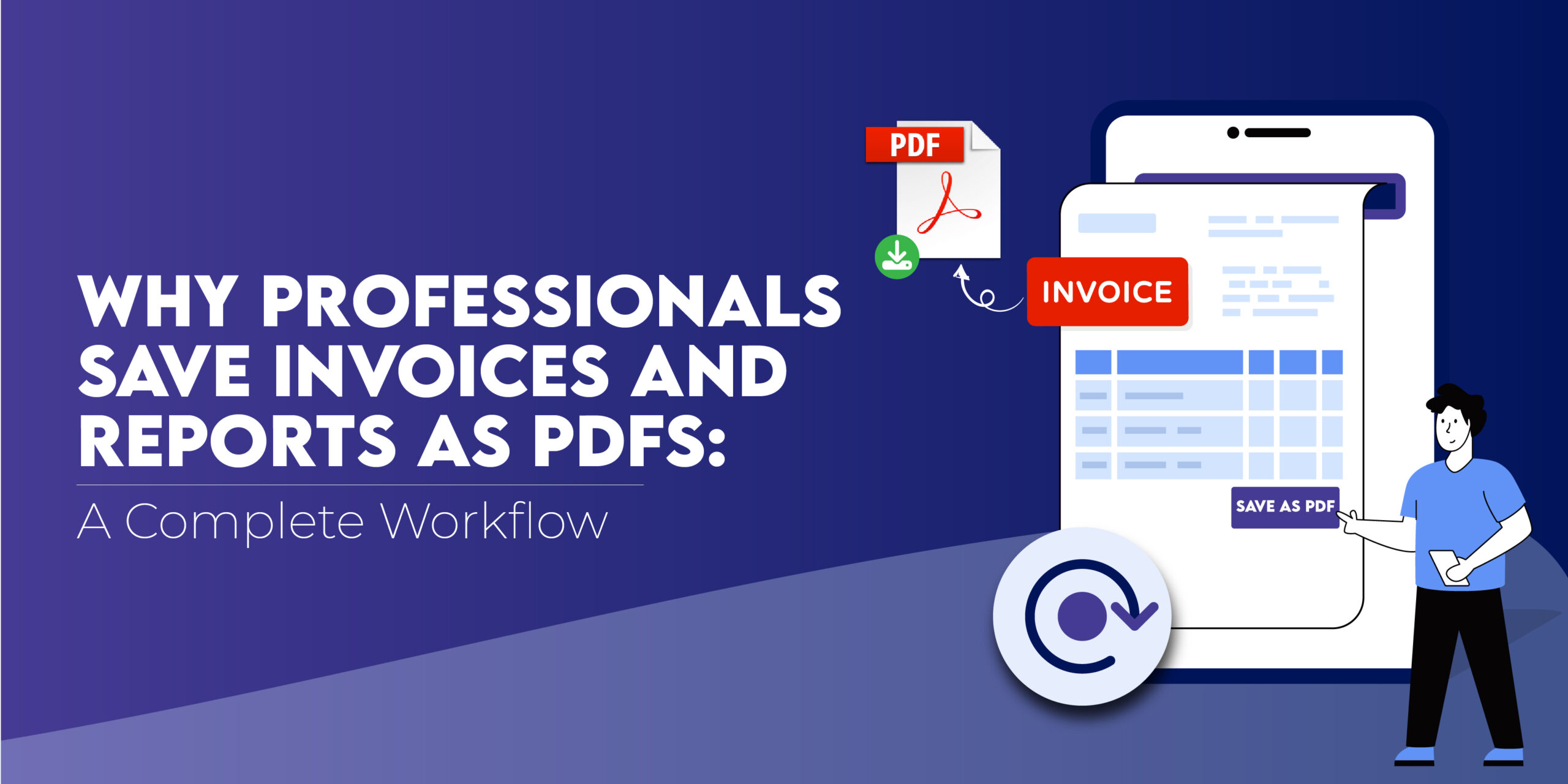
Every professional, whether a freelancer, accountant, manager, or business owner, deals with invoices, reports, and statements daily. These documents are the backbone of business operations, and storing them properly ensures financial accuracy, legal compliance, and smooth collaboration.
That’s why more professionals are switching to PDFs as their standard document format.
In this article, we’ll explain why saving invoices and reports as PDFs is essential, and how tools like Webs2PDF simplify the entire workflow, from creation to archiving.
Why PDFs Are the Preferred Format for Professionals
1. Guaranteed Layout Consistency
Unlike Word, Excel, or HTML pages that can look different across devices, PDFs preserve the exact design, fonts, and structure.
Your invoice or financial report will appear identical, whether opened on a phone, tablet, or desktop.
2. Professional and Tamper-Proof
PDFs are ideal for official or legal documents. Once finalized, they can’t be easily altered, ensuring data authenticity.
Adding password protection or digital signatures further enhances document security.
3. Compact and Easy to Share
A single PDF can contain multiple pages of data, charts, and summaries, all in a small file size that’s easy to email or upload.
No formatting issues. No broken links.
4. Long-Term Archiving
Invoices and reports often need to be stored for years for auditing or compliance. PDFs are perfect for this because they remain readable and intact even after long periods.
The Complete Workflow: From Web to PDF
With online dashboards, accounting software, and reporting tools becoming standard, most invoices and reports today are web-based.
Here’s how professionals use Webs2PDF to streamline the entire process:
Step 1: Access the Online Invoice or Report
Open your invoice generator, analytics dashboard, or financial report in your browser.
Step 2: Copy the Page URL
Simply copy the web address (URL) of your invoice, report, or summary.
Step 3: Go to Webs2PDF.com
Paste the link in the input field and click “Convert to PDF.”
Webs2PDF instantly captures your entire page, visuals, charts, tables, and text, and turns it into a clean, high-quality PDF.
Step 4: Review and Save the File
You can download your PDF immediately. Save it locally, email it to clients, or upload it to your company’s shared folder.
Step 5: Organize and Archive
Create a digital filing system (by client, month, or project) to store all PDFs securely for easy retrieval later.
Common Use Cases Across Industries
| Profession | How PDFs Help |
| Freelancers & Consultants | Save and send invoices that clients can easily open and print. |
| Finance Teams | Archive monthly and annual reports for auditing. |
| Project Managers | Export progress reports or budgets from dashboards to share with stakeholders. |
| Marketers | Convert analytics dashboards or campaign performance data into PDFs for presentations. |
| Accountants | Keep client records and billing statements organized and secure. |
Why Webs2PDF Is the Ideal Solution
- Pixel-perfect conversion: preserves all tables, charts, and visuals.
- Single-scroll PDF: no breaks across multiple pages.
- Custom options: choose page size, layout, or image quality.
- Fast performance: convert invoices or reports in seconds.
- Secure downloads: your data is not stored or shared.
Pro Tips for a Smooth Document Workflow
- Batch Convert Reports: Upgrade to the Professional Plan to save multiple invoices in one go.
- Use Cloud Storage: Store converted PDFs in Google Drive or Dropbox for easy access.
- Name Files Clearly: Include the date and client name in file titles for easy organization.
- Automate Weekly Backups: Regularly download and store reports for record-keeping.
- Set Passwords: Add basic protection for confidential client data.
The Benefits at a Glance
| Feature | Benefit |
| Consistent formatting | Professional appearance across all devices |
| Compact file size | Easy to send via email or WhatsApp |
| Security options | Password-protected, read-only PDFs |
| Long-term access | Ideal for tax and audit documentation |
| Offline viewing | Accessible anytime, even without internet |
Simplify Your Professional Workflow
Managing invoices and reports shouldn’t be a hassle.
With Webs2PDF.com, you can convert, save, and share any web-based invoice or analytics report in seconds, with guaranteed accuracy.
Start using Webs2PDF today to make your document management faster, smarter, and stress-free.
Try it now — your next invoice is just one click away!
Frequently Asked Questions (FAQs)
Q1. Why should I save invoices as PDFs?
Because PDFs preserve layout, are easy to print or email, and help maintain secure, professional records.
Q2. Can I convert accounting software pages to PDF?
Yes! You can convert pages from QuickBooks, FreshBooks, Google Sheets, and similar tools using Webs2PDF.
Q3. How do I organize my PDFs efficiently?
Create folders by year or client, use consistent naming, and store backups securely.



One Response