Get practical tips, inspiration, and insights to help you make the most of Web2PDF. Explore our latest articles to convert smarter, work better, and stay organized.
Step into our corner of ideas, where simple tools turn into smarter workflows. Here you’ll find tips, guides, and inspiration to help you transform web pages into polished PDFs with ease. Stay tuned for practical know-how, thoughtful insights, and a touch of creativity to keep your digital world organized and stress-free.
Convert and Archive News Articles for Research: A Digital Librarian’s Guide
In a world where online information changes every second, news articles can disappear or update overnight, leaving researchers, journalists, and students without reliable references. That’s why digital
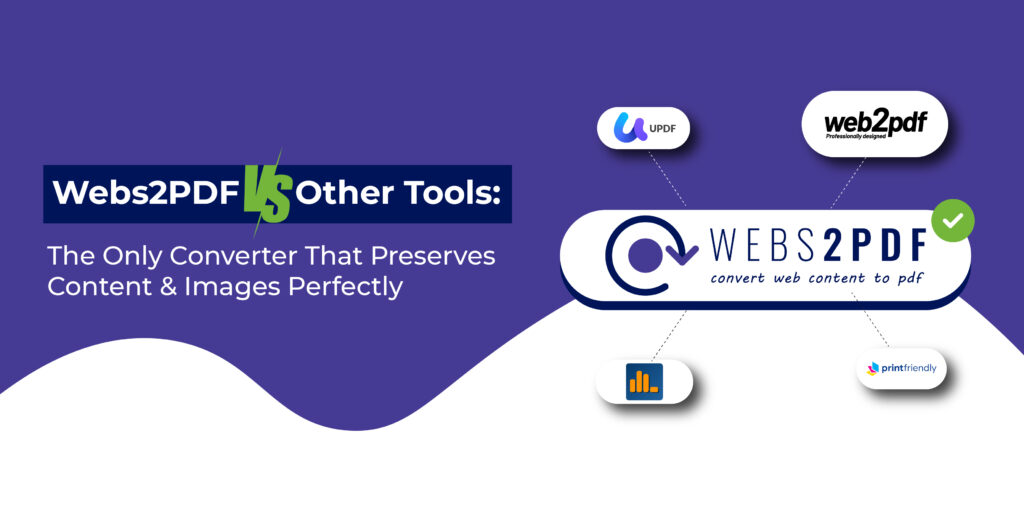
Webs2PDF vs Other Tools: The Only Converter That Preserves Content & Images Perfectly
When it comes to converting a web page into a high-quality PDF, most tools fall short. Users often face missing images, broken layouts, and incomplete pages. But
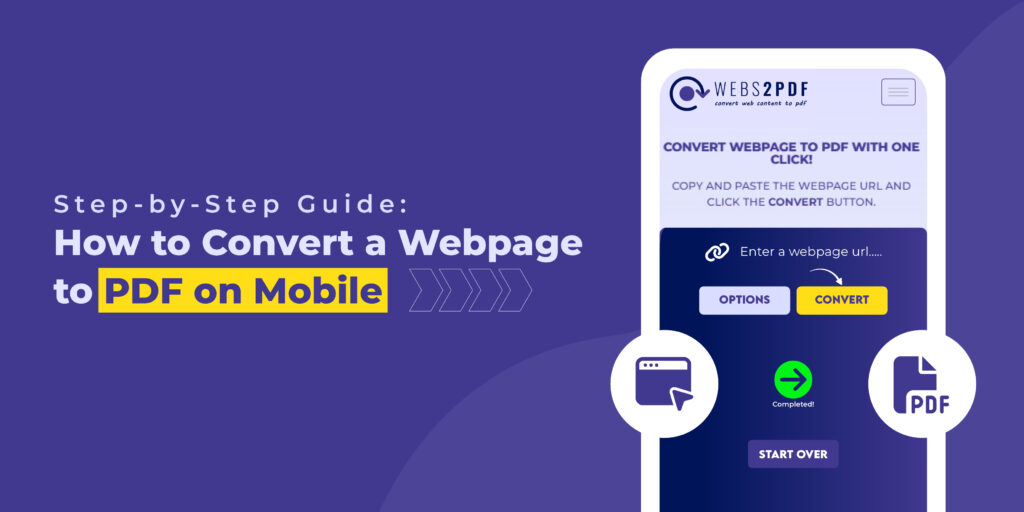
Step-by-Step Guide: How to Convert a Webpage to PDF on Mobile (Android & iPhone)
More than 70% of internet users browse on mobile devices, and often we come across useful articles, invoices, tickets, or research pages that we want to save
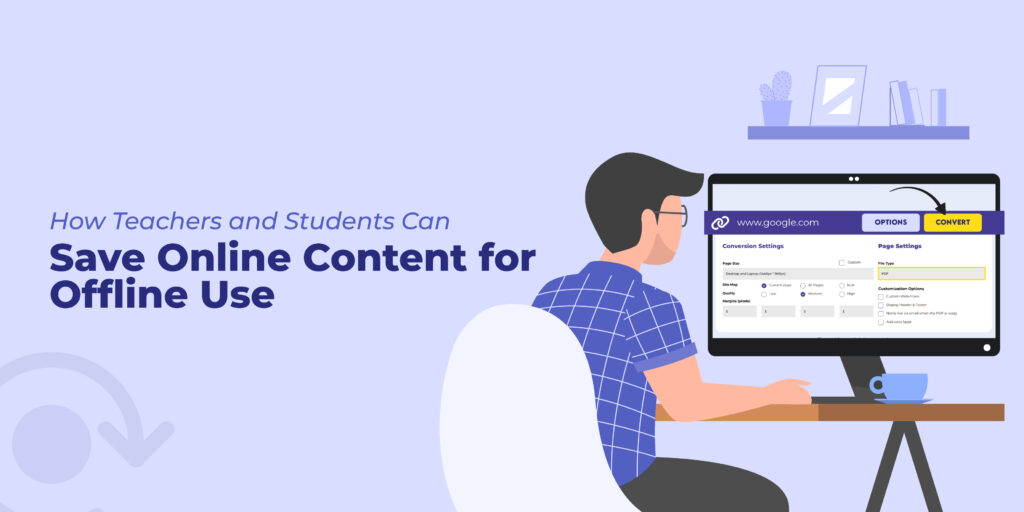
How Teachers and Students Can Save Online Content for Offline Use
The way we learn and teach has changed dramatically in recent years. From online lectures to digital classrooms, more and more educational resources are available online. But
Top 10 Free Online Tools to Convert Webpages into PDFs (Compared – 2025 Guide)
The internet is full of useful information, but websites change, update, or sometimes disappear. If you want to save a webpage permanently, the most reliable way is
How to Convert a Webpage to a PDF to Share with Students
In the modern digital learning environment, saving online content for offline access, research, or documentation is crucial for both students and educators. The most effective way to
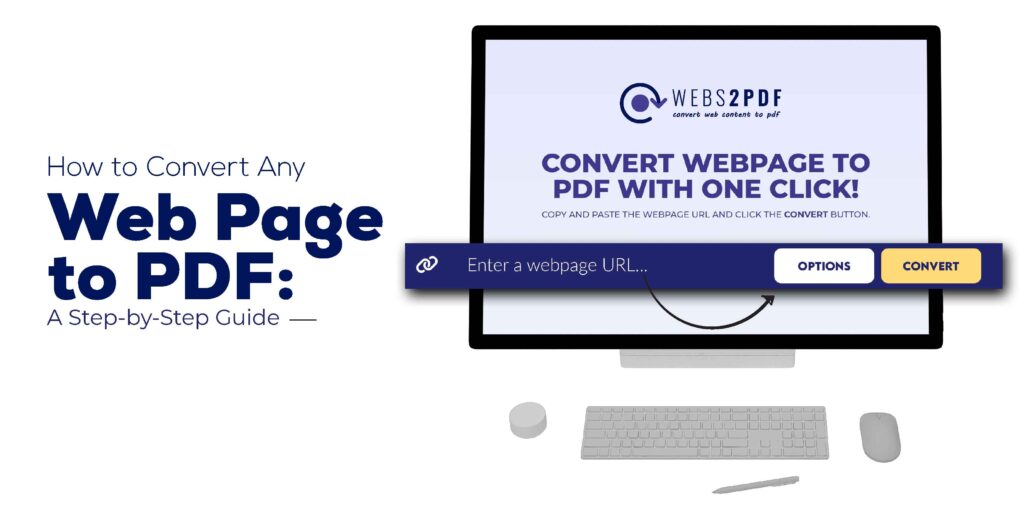
How to Convert Any Web Page to PDF: A Step-by-Step Guide
Converting web pages to PDF has become an essential task for many. Whether you’re a student saving research articles, a professional creating documentation, or a business owner
Converting HTML files to PDF is a critical task for developers, designers, and marketers who need to preserve web content for archiving, sharing, or professional documentation. While
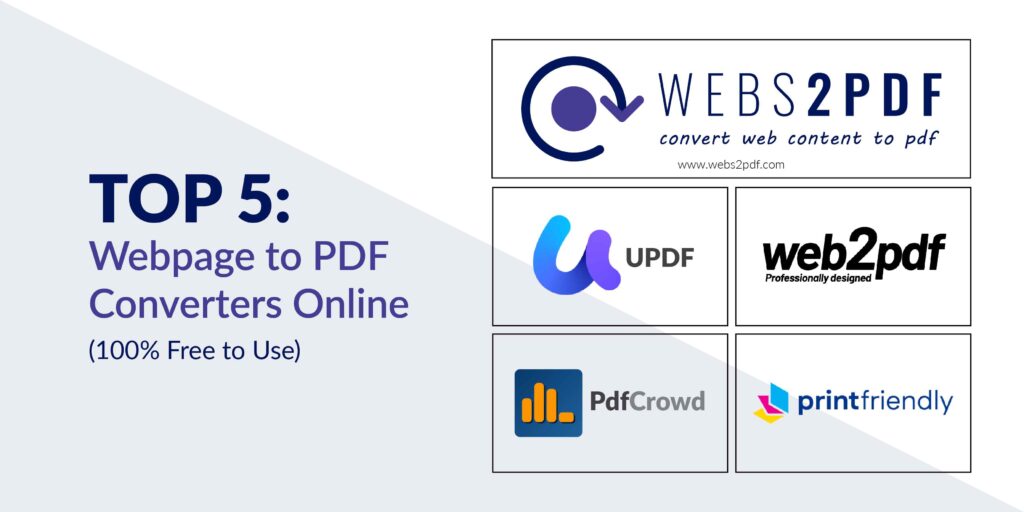
Need to save online content for offline use, documentation, or easy sharing? This guide covers the top 5 free online tools for converting any webpage into a
Our online HTML to PDF converter seamlessly supports the latest versions of all major browsers, ensuring compatibility with Chrome, Firefox, Edge, Safari, Opera, Internet Explorer, Vivaldi, and Brave. This ensures a versatile user experience across different platforms and devices.
Reach Out
We’re happy to help or answer any questions about Web2pdf. Please provide your information and we will response as soon as possible.