Get practical tips, inspiration, and insights to help you make the most of Web2PDF. Explore our latest articles to convert smarter, work better, and stay organized.
Step into our corner of ideas, where simple tools turn into smarter workflows. Here you’ll find tips, guides, and inspiration to help you transform web pages into polished PDFs with ease. Stay tuned for practical know-how, thoughtful insights, and a touch of creativity to keep your digital world organized and stress-free.
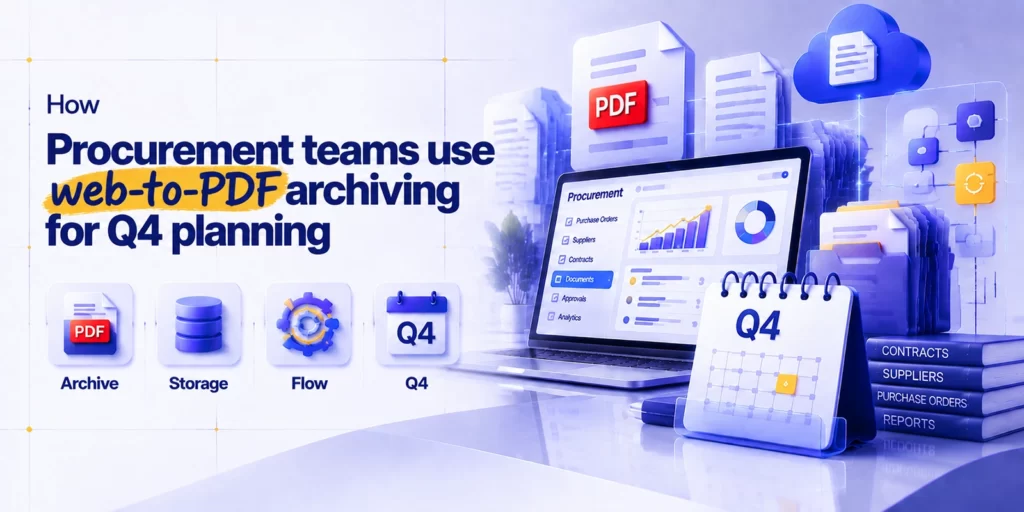
How Procurement and Supply Chain Teams Use Web-to-PDF for Q4 Planning
For procurement and supply chain teams, the final quarter of the year is rarely a quiet period. As organizations prepare budgets, review supplier performance, negotiate renewals, and
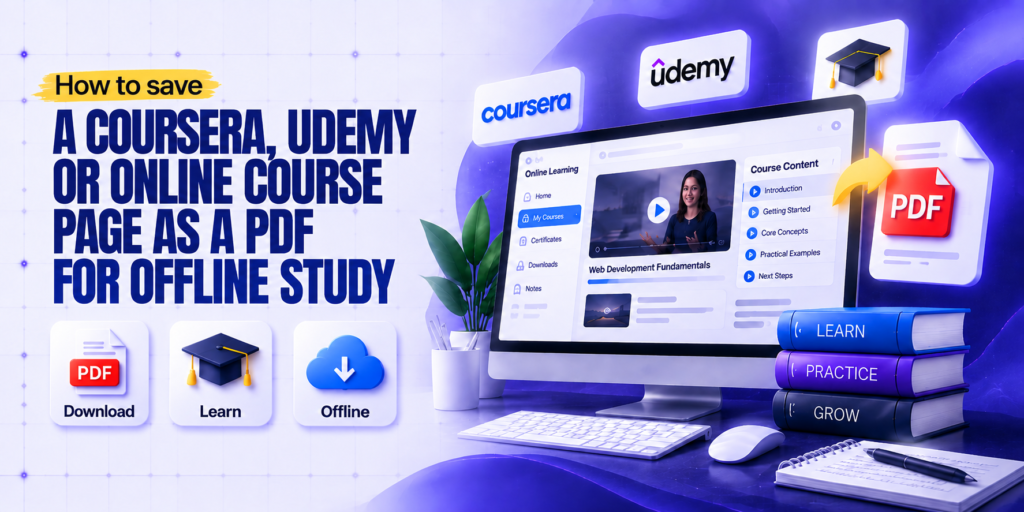
How to Save a Coursera, Udemy, or Online Course Page as a PDF for Offline Study
Online learning has transformed how people gain new skills. Platforms like Coursera, Udemy, edX, and other learning websites allow students and professionals to access courses anytime, anywhere.
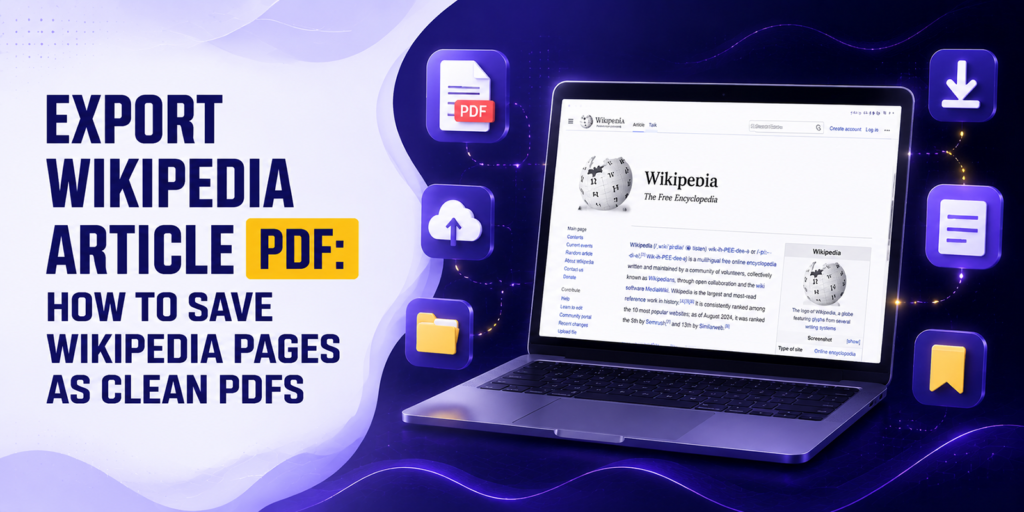
Export Wikipedia Article PDF: How to Save Wikipedia Pages as Clean PDFs
Wikipedia is one of the largest knowledge resources available online, covering millions of topics across science, history, technology, medicine, and countless other fields. While reading an article
How to Save a Perplexity AI Answer or Research Thread as a PDF
Perplexity AI has changed how researchers, students, and knowledge workers find information. Unlike traditional search engines that return a list of links, Perplexity reads those sources and
Why the Wayback Machine Can’t Save Everything (And What to Do Instead)
For nearly three decades, the Wayback Machine has been the internet’s safety net. When a government agency quietly deleted a policy document, a journalist could find the
How to Save a Google Maps Business Listing or Location Page as a PDF
You are planning a business trip. You pull up a dozen local restaurants, hotels, and service providers on Google Maps, check their hours, read a few reviews,
You bookmarked a Reddit thread last week. A genuinely useful one may be a long technical discussion with step-by-step troubleshooting advice, a deeply personal community thread where
Looking for a simple way to save Substack articles as PDF files? Whether you want to read newsletters offline, archive valuable content, or keep important insights for
Our online HTML to PDF converter seamlessly supports the latest versions of all major browsers, ensuring compatibility with Chrome, Firefox, Edge, Safari, Opera, Internet Explorer, Vivaldi, and Brave. This ensures a versatile user experience across different platforms and devices.
Reach Out
We’re happy to help or answer any questions about Web2pdf. Please provide your information and we will response as soon as possible.